Find researchers and experts
Search academics by topic, institution, country and publication activity, and recruit experts for interviews and surveys.
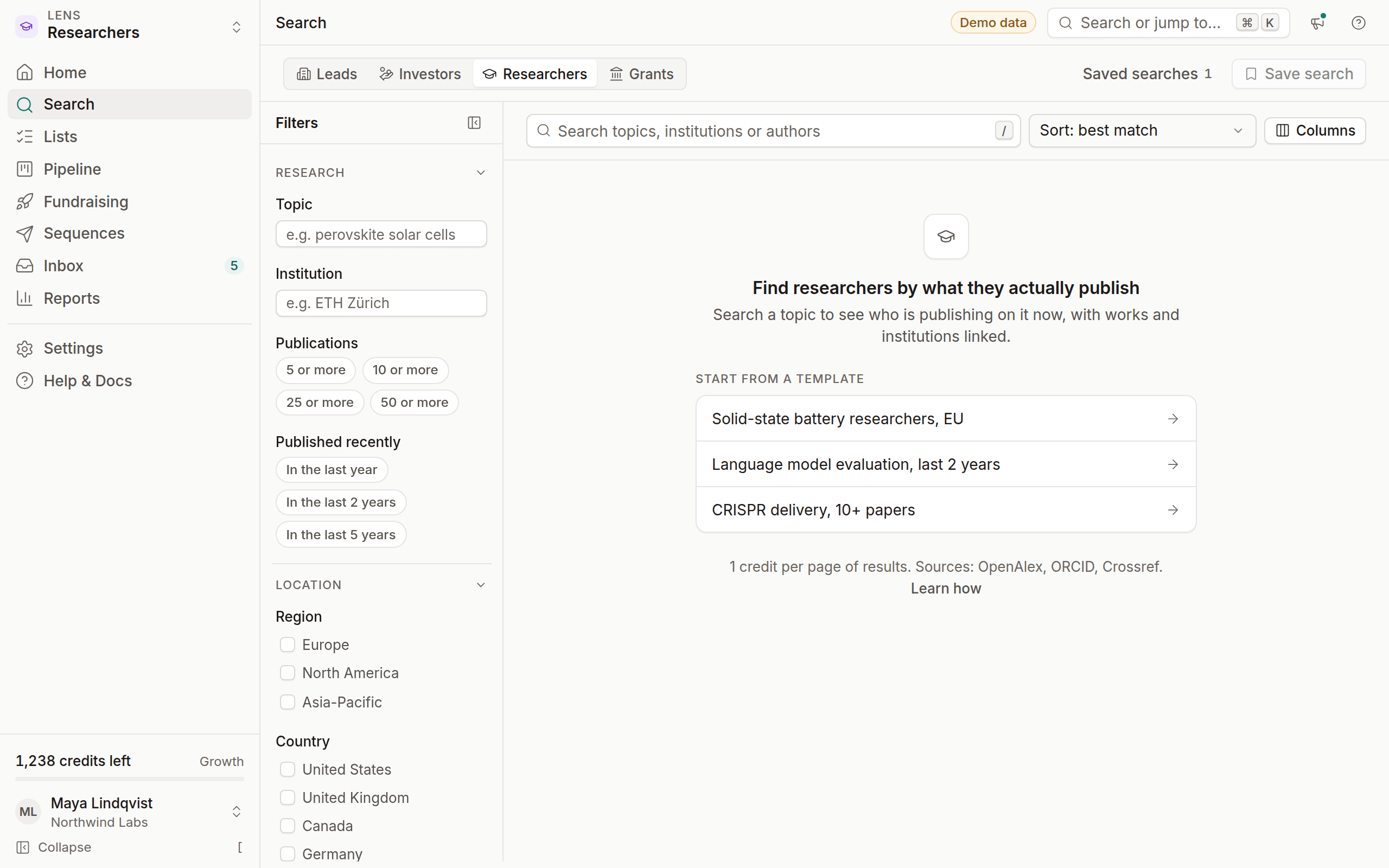
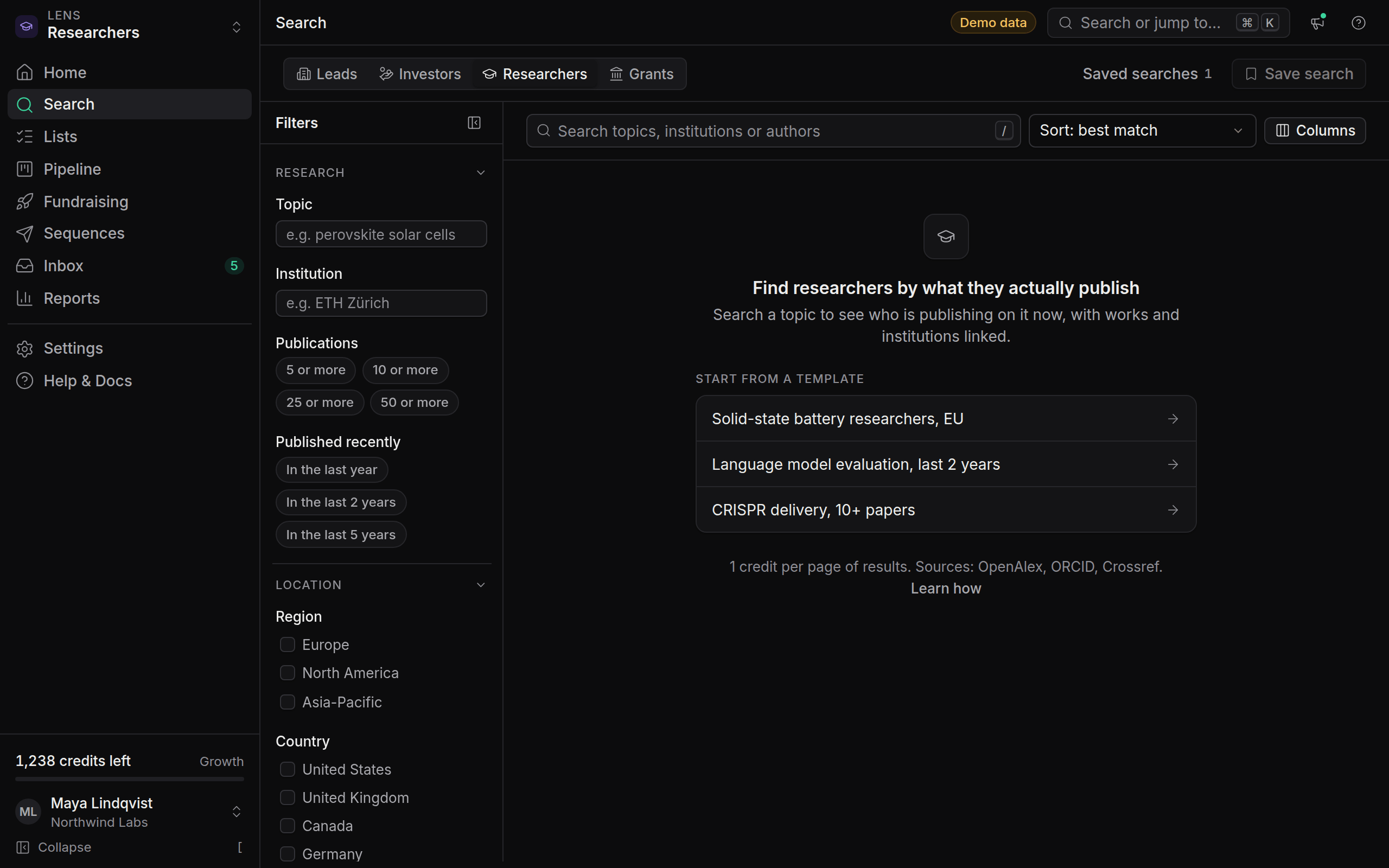
The Researchers lens finds people by what they actually publish. Search a topic and you see who is working on it now, where they work and how active they are, with every paper and profile linked.
The lens is included in Growth and Agency. On Free, it's available if you chose it as your lens.
Where researcher data comes from
OmniLead joins these records by ORCID iD where one exists, so the same person doesn't appear three times. Only public, professional information is used. Contact details come from the researcher's institutional pages, their ORCID record, or the corresponding-author line of a published paper.
Search by topic
Switch to Researchers
Pick Researchers in the lens switcher, or press ⌘ 3.
Enter a topic
Type the subject the way a paper would describe it, such as "CRISPR delivery" or "language model evaluation". Specific phrases give better results than single words.
Filter by activity
Use Publication recency and Minimum works to find people publishing now, not ten years ago.
Filters
Researcher profiles
A profile shows:
- Affiliation and country, with the date the affiliation was last seen
- Works on this topic, newest first, each linked to its DOI
- Totals: works and citations across their career
- ORCID iD, linked to their public record
- Contact, masked until you reveal it, with its source (for example a university staff page)
Recruiting experts
The Researchers lens includes three sequence templates for expert recruitment: Expert survey recruitment, Research interview request and Collaboration inquiry. Each is short and respectful, with one follow-up.
Build a shortlist
Search your topic, filter for recent work, and add the best matches to a list.
Reveal contacts
Reveal the people you'll contact. Institutional addresses are often Catch-all, so read Email verification statuses before you send.
Start from a template
In Sequences, click New sequence and pick Expert survey recruitment or Research interview request.
Mention their work
Replace the bracketed placeholders, such as
[topic], with your own words, and name the paper that made you write in the first sentence. The pre-launch checklist won't pass while a placeholder is left in.
Limits to know
- Authors with common names and no ORCID iD can be split or merged incorrectly. Check the works list before you reach out.
- Students and early-career researchers may not have a public contact. OmniLead won't infer one.
- OmniLead doesn't use special-category data. You can't filter by age, gender, ethnicity or similar traits.