Choosing your lens
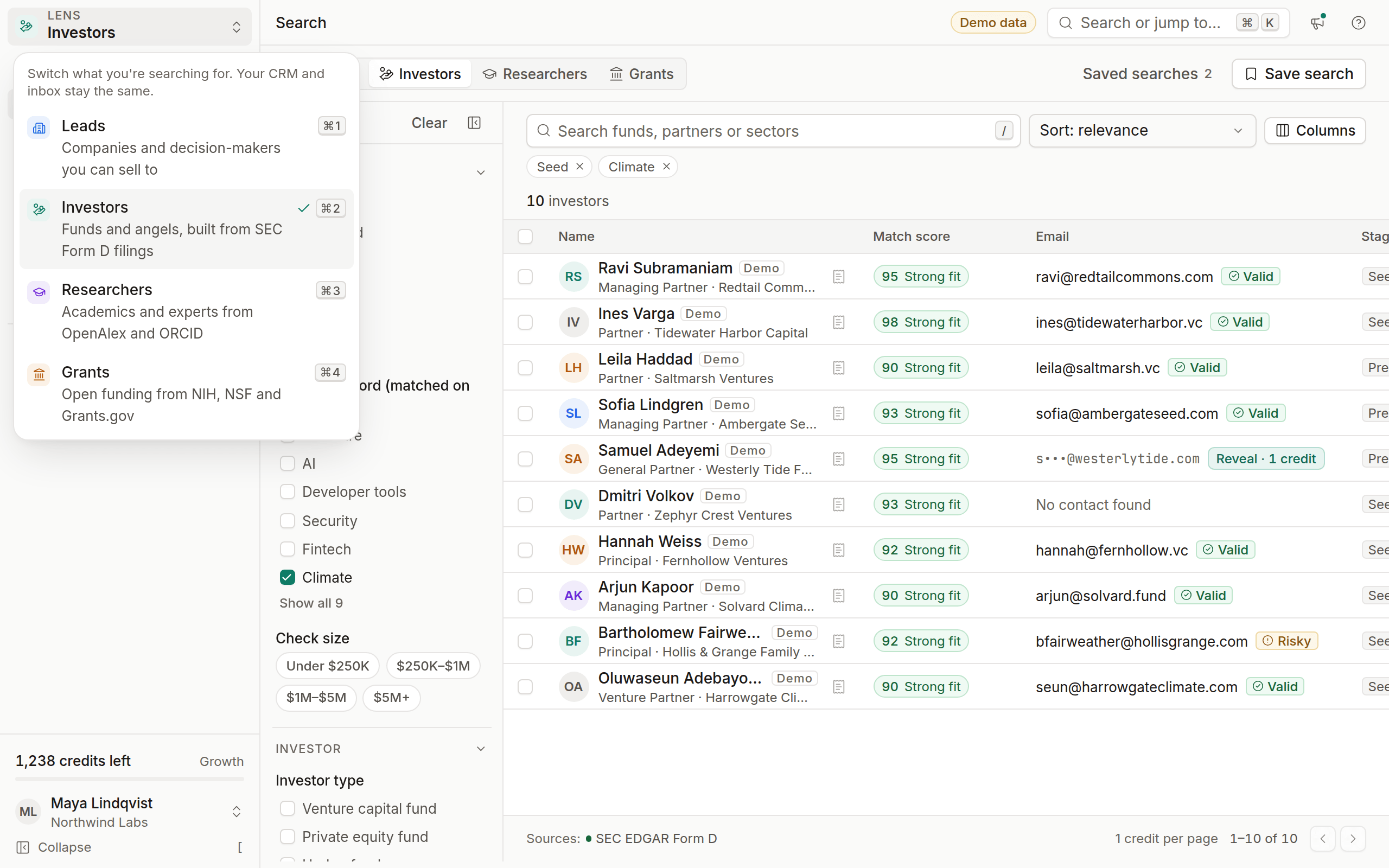
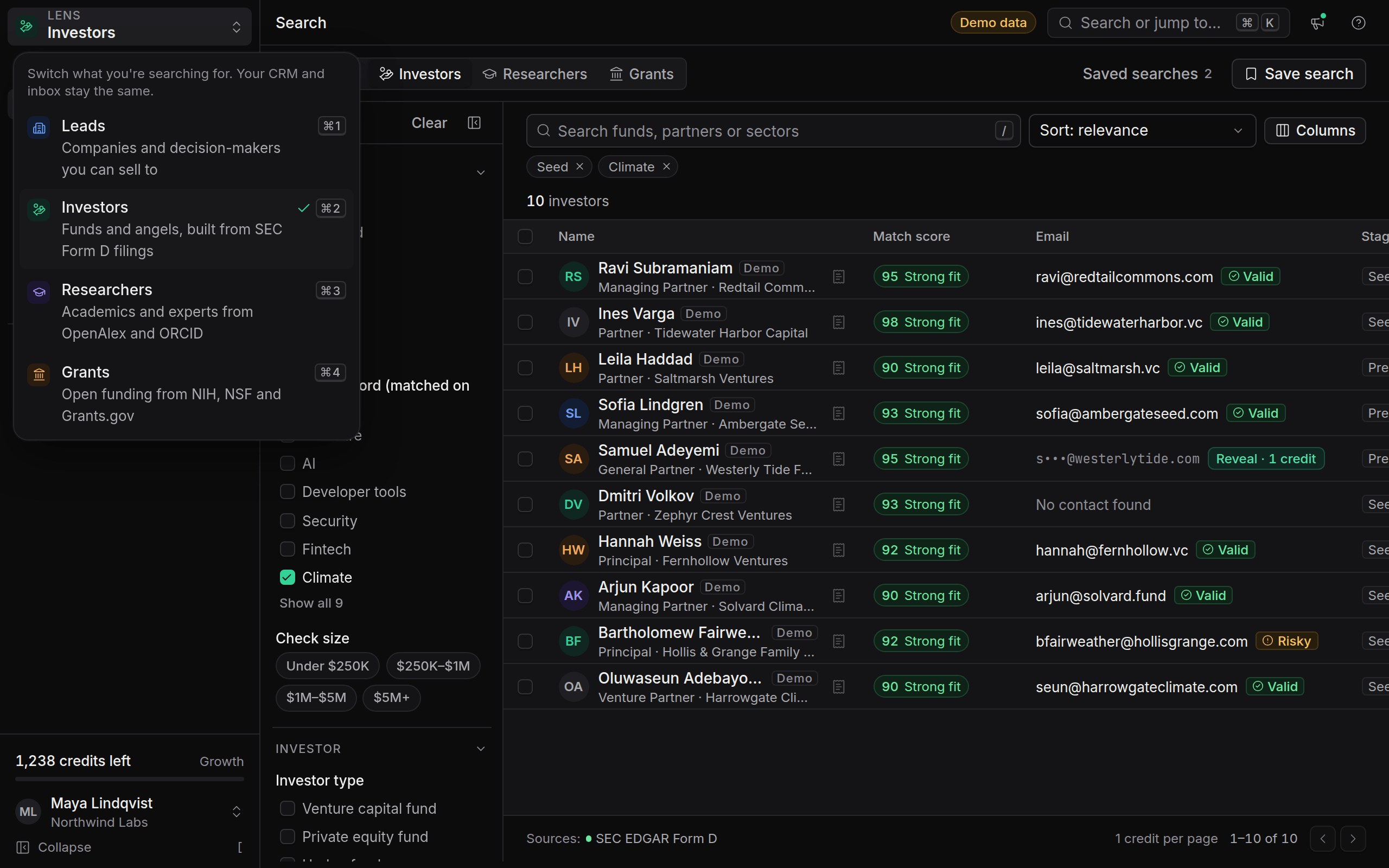
Pick the lens that matches what you're trying to do, and see which plans include which lenses.
A lens decides what OmniLead searches for and how the app adapts around it: the search filters, the templates, the empty states and the widgets on your home screen. Your CRM, inbox and contacts stay the same whichever lens you're in.
If you're on the Free plan, you choose one lens during onboarding. Starter includes two lenses, and Growth and Agency include all four. This page helps you choose.
Start from your goal
Ask one question: who do you need to reach in the next 30 days?
Leads
Choose Leads if you sell to companies. You search by industry, company size, location and job title, and OmniLead finds the people who decide. Emails come from the company's own public pages, or are ranked from the email pattern the company really uses. Every one is verified before you send.
Good fit for agencies, B2B founders doing their own sales, and sales teams who want a source for every contact. Read Finding leads.
Investors
Choose Investors if you're raising. When a fund raises money from its own investors, it files a Form D with the SEC. OmniLead reads those filings to build fund profiles with the partners listed, the fund's size and how recently it filed, then adds stage and sector from the fund's own website.
Good fit for founders raising their first institutional round, and for anyone who wants a list of active funds with the filing linked for each one. Read Finding investors.
Researchers
Choose Researchers if you need people with specific expertise. You search a topic, such as "solid-state battery", and see who is publishing on it now, with institution, country, publication count and recency. Profiles link to the researcher's ORCID record and their works.
Good fit for university spin-outs, R&D teams looking for collaborators, and anyone recruiting experts for interviews or surveys. Read Finding researchers.
Grants
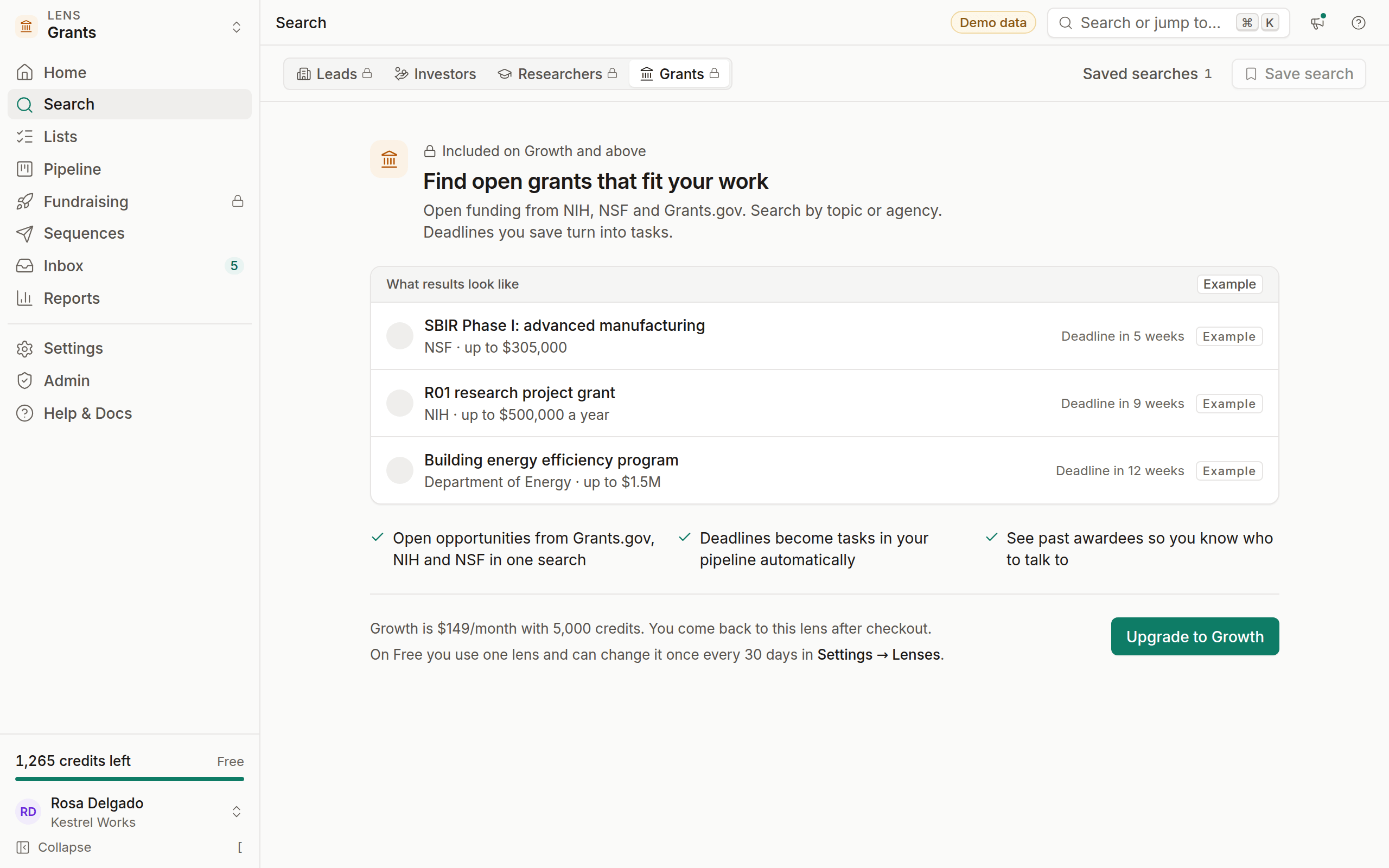
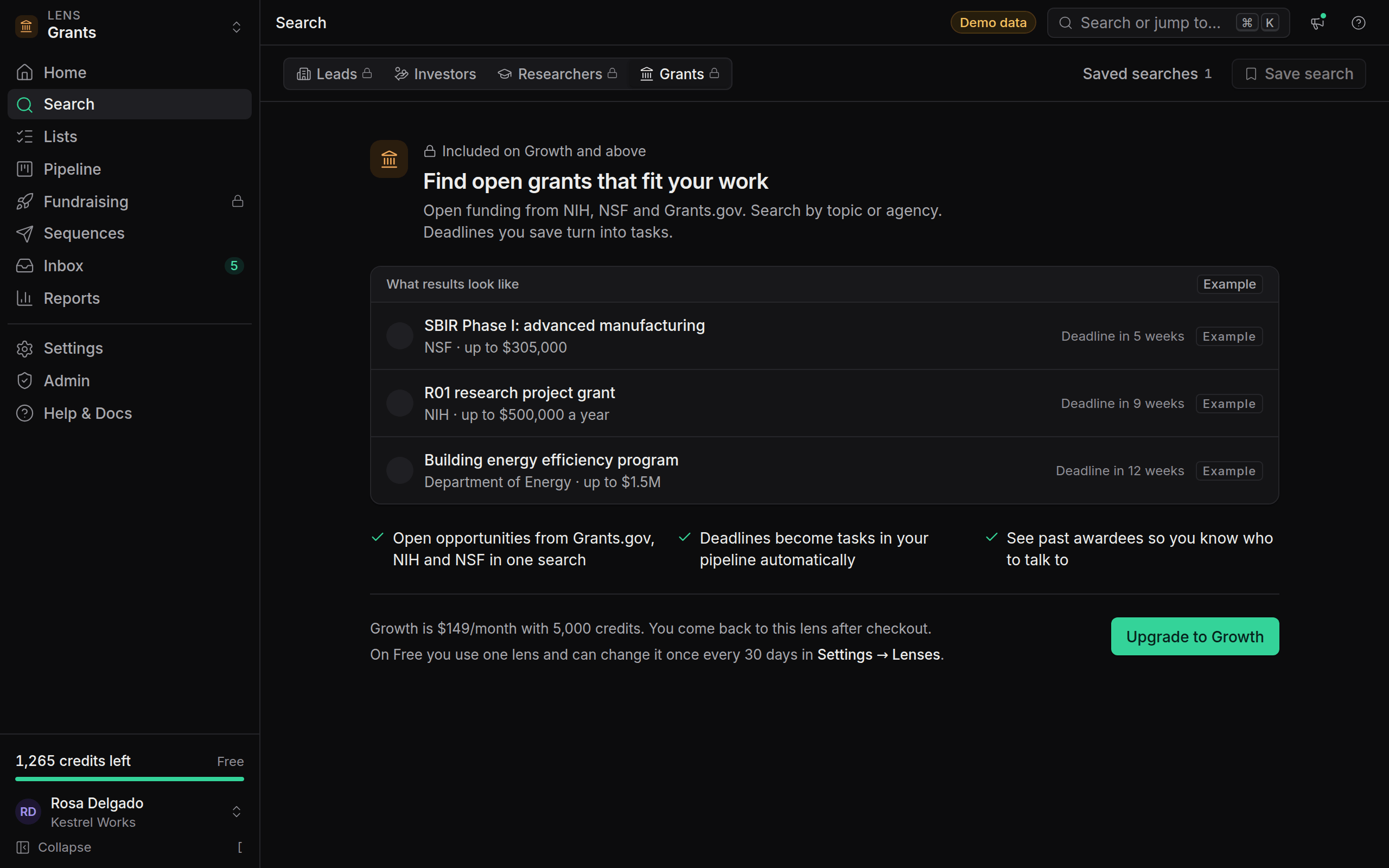
Choose Grants if you're looking for non-dilutive funding. OmniLead searches open opportunities from Grants.gov, NIH and NSF in one place. Deadlines you save become tasks in your pipeline, and past awardees show you who has won similar funding before.
Good fit for researchers, labs, nonprofits and deep-tech startups eligible for SBIR and STTR programs. Read Finding grants.
Which plans include which lenses
Lenses that aren't in your plan are still visible in the lens switcher with a small lock. Click one to see a preview with example results (labelled Example), what the lens is good for and the plan that includes it. Nothing is hidden, and nothing blocks what you're already doing.
Changing your mind later
- On Free, you can change your lens once every 30 days in Settings → Lenses. See Switching lenses.
- On Starter, Growth and Agency, switch between included lenses at any time with the lens switcher or ⌘ 1 – 4.
Leads you already saved stay in your CRM when you change lens. They keep the tag of the lens they came from.