Respond to GDPR data requests
Log access, export, correction and deletion requests about people in your CRM, and let OmniLead complete them within 30 days.
Under GDPR and UK GDPR, anyone whose data you hold can ask what you have, ask for a copy, ask you to correct it or ask you to delete it. You must answer within one month. OmniLead gives you a place to log each request, gathers or deletes the data for you, and tracks the deadline so nothing slips.
Who can do this
Workspace owners and admins can log and process data requests. Members can see that a request exists for a lead, but not its contents.
Log a request
When someone emails you, replies to a sequence or writes to your privacy address asking about their data, log it straight away. The 30-day clock starts when you receive the request, not when you log it, so log it the same day.
Open data requests
Go to Settings → Compliance → Data requests.
Start a new request
Click Log request.
Enter the details
Type the Requester email and choose the Request type: Access, Export, Correction or Deletion. Add anything useful under Notes, such as a link to the original message.
Save
Click Log request. It appears in the list with the status Received and a due date 30 days out.
Verify the requester
Before you hand over or delete data, make sure the request comes from the person it's about. In most cases that's simple: the request was sent from the same address you have on file. If it came from another address, ask the person to confirm from the address you hold.
When you're satisfied, open the request and click Mark verified. The status changes to In progress and OmniLead starts the job. If you can't verify the person, click Reject and add a note explaining why. You still have to tell the person you couldn't act on it.
What OmniLead does for each type
Access and export jobs run in the background and usually finish within minutes. Every download is recorded in the audit log.
Why deletion adds a suppression entry
If you deleted the person and forgot them completely, a future import or search could add them back and email them again. The suppression entry stores only the address, marked with the reason Opt-out, so OmniLead can keep them out of your sequences. GDPR allows you to keep this minimal record for exactly that purpose.
Track deadlines
The list shows each request's status and due date, with the earliest due date first. Requests that aren't completed in time are marked Overdue.
When you've sent the result to the person, open the request and click Mark completed. The completion date is kept for your records.
Lawful basis on every lead
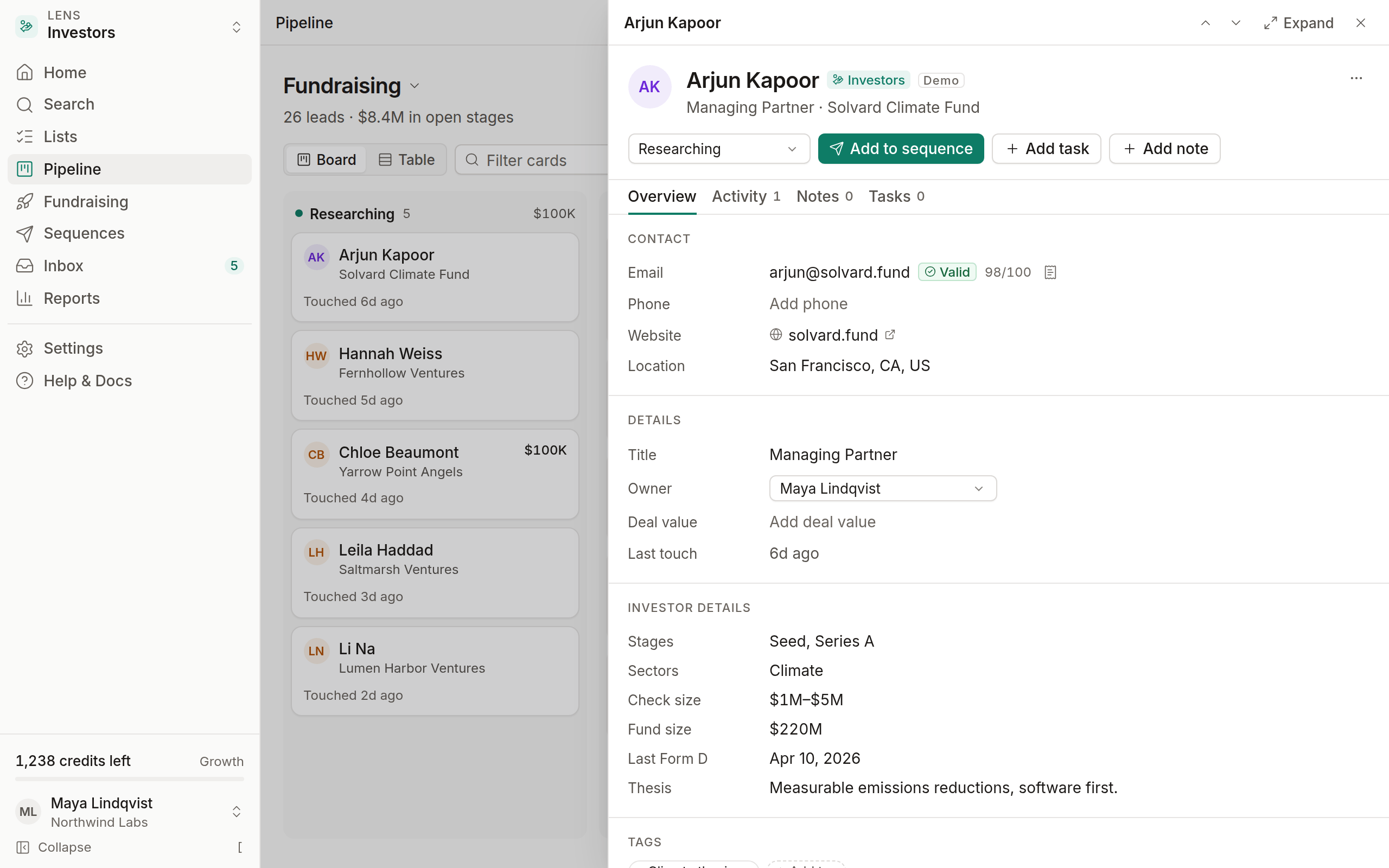
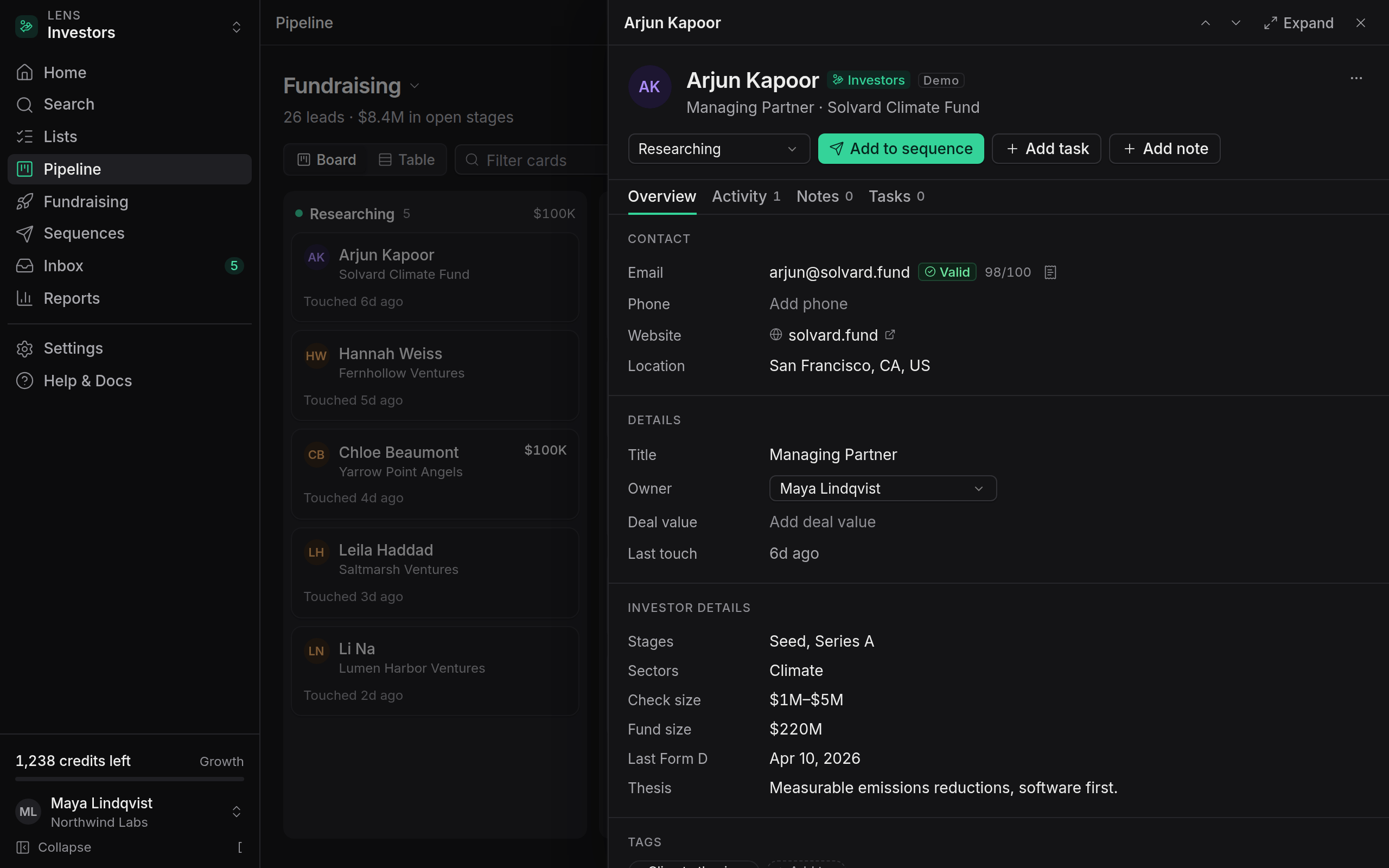
Every lead in OmniLead stores a lawful basis: Legitimate interest, Consent or Contract. Leads you reveal or import start with Legitimate interest, the usual basis for B2B outreach. Change it in the lead drawer under Compliance when a different basis applies, for example after someone signs up for your product.
Each lead also keeps its source: the URL where every field was found and the date it was fetched. That answers the question GDPR requires you to answer in your first email, where you got the person's details.
Legitimate Interest Assessment template
If you rely on legitimate interest, GDPR expects you to have weighed your interest against the person's rights and written it down. OmniLead includes a Legitimate Interest Assessment (LIA) template with the three standard tests:
- Purpose: what you're trying to achieve and why it's legitimate.
- Necessity: why email outreach is a reasonable way to achieve it.
- Balancing: why it doesn't override the person's interests, and the safeguards you use: relevant targeting, business contact details only, a clear opt-out and immediate suppression.
Open it in Settings → Compliance → Legitimate Interest Assessment, click Edit assessment, fill in each section for your business and click Save assessment. It's stored with the date and the name of the person who saved it, so you can show it to a lawyer or a regulator when asked.
Someone asked me to stop emailing them. Is that a data request?
It's an objection to direct marketing, which you must honor immediately. Unsubscribe the lead from Inbox or add the address to suppression. You don't need to log a data request unless they also ask for access or deletion.
Can I delete a lead without logging a request?
Yes. Deleting a lead from the CRM works at any time. Logging a request gives you a record that you answered on time, which matters if a regulator asks.
Does OmniLead charge for data requests?
No. They don't use credits and are available on every plan.