How credits work
What costs a credit, what's free, the order credits are used in, and worked examples you can check against your ledger.
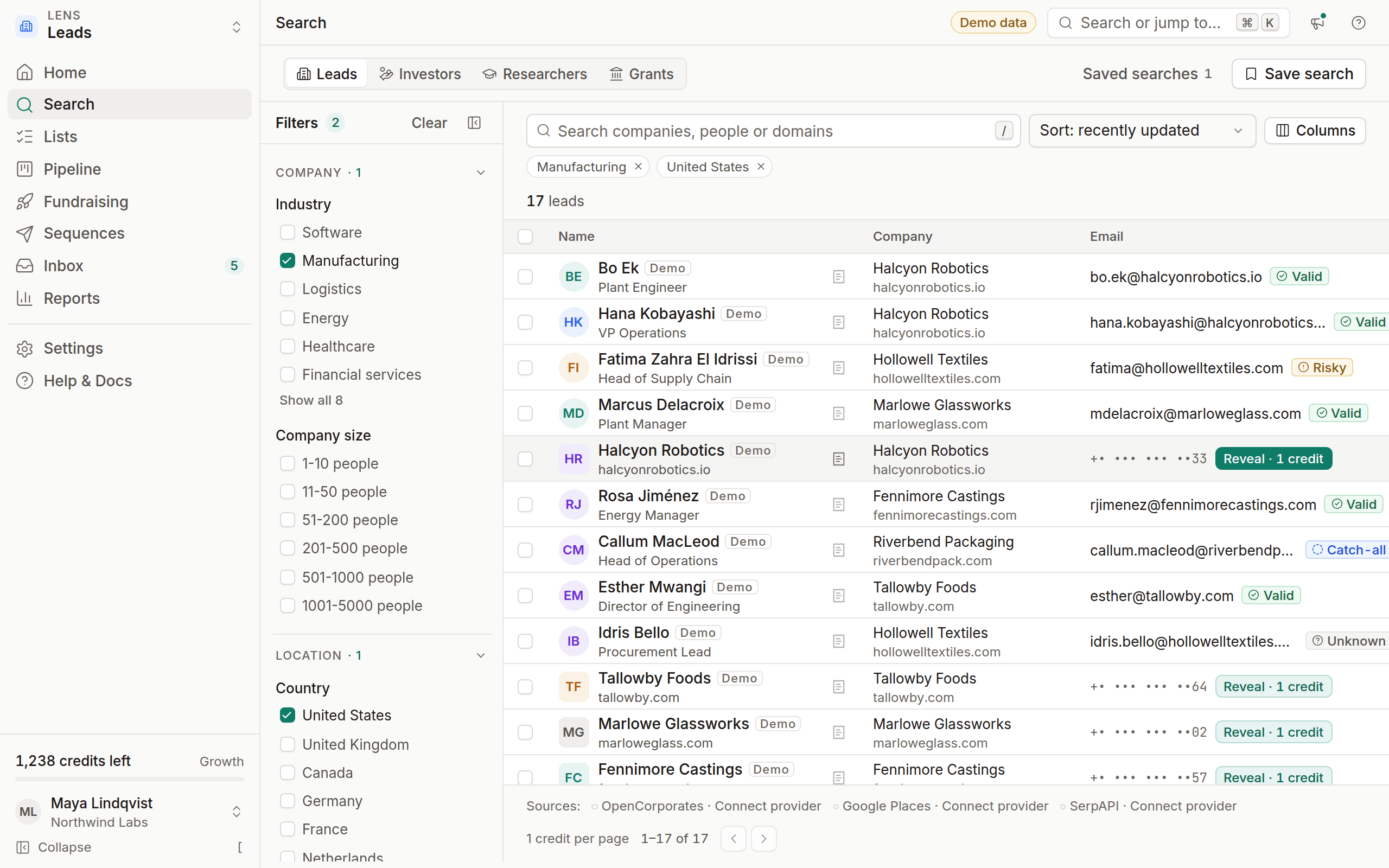
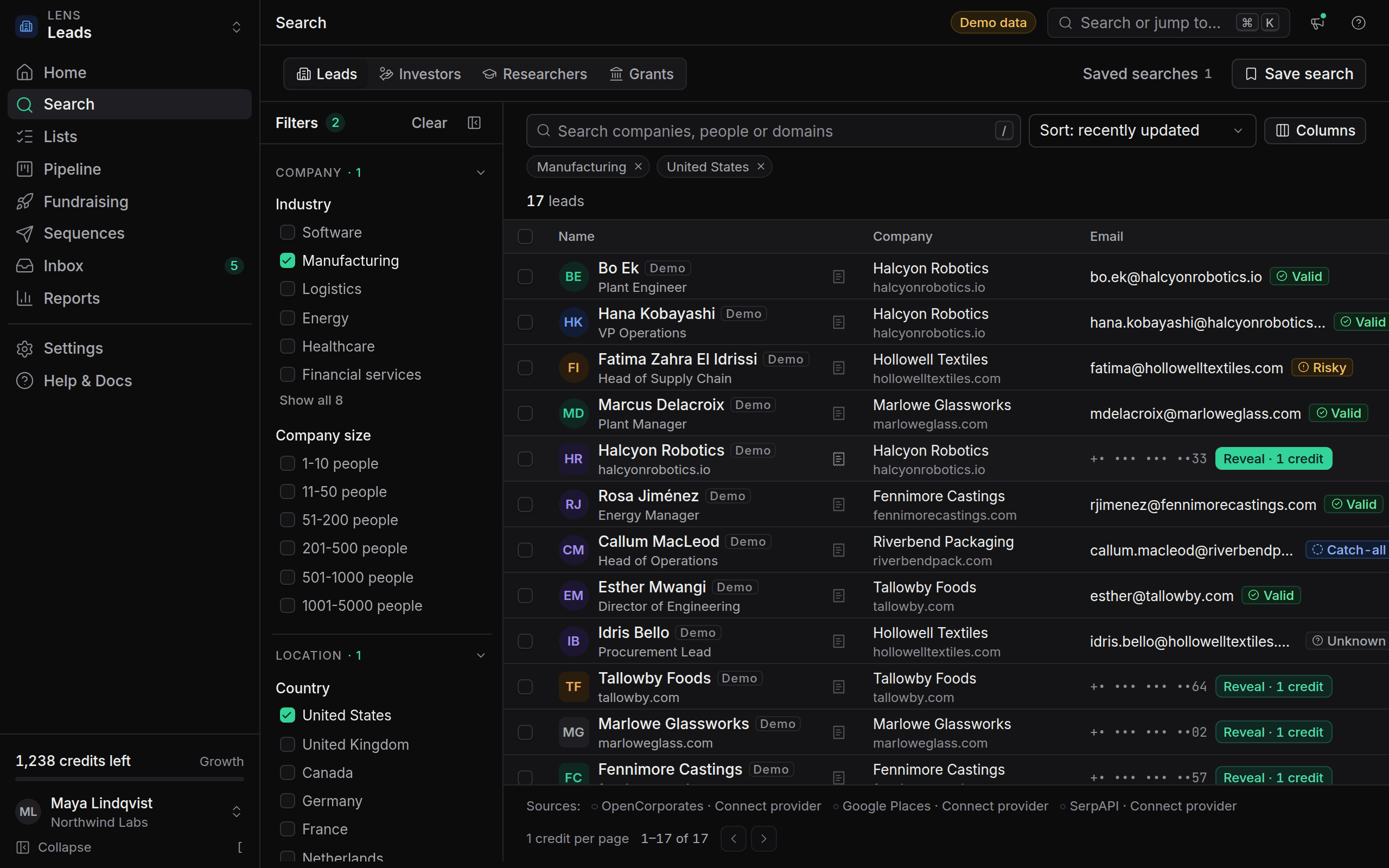
Credits pay for the two things that cost OmniLead money to provide: searching live sources and revealing verified contacts. Everything else, from the CRM to sequences and exports, is included in your plan. You're never charged twice for the same contact, and you're never charged for a contact we couldn't find.
What costs a credit
Everything else is free: filters, sorting, match scores, provenance, email verification on reveal, saving leads, pipelines, notes, tasks, importing your own CSV files, exports, sequences, the inbox, and every API call other than search and reveal.
Plan credits and pack credits
Your balance has two parts, shown in the credits meter at the bottom of the sidebar:
- Plan credits come with your plan every month: 25 on Free, 1,000 on Starter, 5,000 on Growth and 20,000 on Agency. They reset when your billing month renews. Unused plan credits don't roll over.
- Pack credits come from credit packs you buy. They never expire.
OmniLead always uses plan credits first, then pack credits. That way the credits that would expire are used up before the ones that don't.
How a reveal is charged
When you click Reveal · 1 credit:
- One credit is reserved from your balance.
- OmniLead looks up the contact and verifies the email.
- If a verifiable contact is found, the credit is kept and the details appear with their source.
- If nothing verifiable is found, the credit is refunded straight away and the row says No contact found.
Revealed contacts belong to the workspace, so a teammate who reveals the same person later sees the details at no cost. Bulk reveals work the same way, contact by contact.
Worked examples
A search and a batch of reveals
A Growth workspace has 5,000 plan credits this month and a 2,000-credit pack from earlier.
- You search the Investors lens and look through 3 pages of results: 3 credits.
- You select 40 investors and click Reveal. 34 are found and verified; 6 have no verifiable contact.
- The 40 reveals reserve 40 credits, then the 6 failed ones are refunded: 34 credits.
You spent 37 credits in total, all from plan credits. The pack is untouched.
A second reveal is free
The next day a teammate opens the same list and reveals 10 of those 34 investors again to check their details. Cost: 0 credits. The reveal shows the same verified email with its source, and the ledger records no charge.
Running out of plan credits
Near the end of the month you have 20 plan credits and the same 2,000 pack credits. You reveal 50 contacts, all found:
- The first 20 credits come from plan credits, which drop to 0.
- The other 30 come from the pack, which drops to 1,970.
On renewal your plan credits reset to 5,000. The pack stays at 1,970.
End of the month
You finish the month with 1,200 plan credits unused. At renewal they expire and your plan credits are set to 5,000 again. The ledger shows one Expire entry for 1,200 and one Grant entry for 5,000. Pack credits are never expired.
See every charge
Go to Settings → Billing and open Credit history. Every change to your balance is an entry in an append-only ledger: grants, purchases, charges, refunds and expiries, each with the date, the teammate or API key responsible and a link to what it was for, such as the reveal or the search. The ledger can't be edited, so it always adds up to your balance.
The same ledger is available through the API at GET /credits.
When credits run out
If you don't have enough credits, the search or reveal doesn't run and nothing is charged. You'll see how many credits you need and two options: Buy credits for a one-time pack, or Manage plan to move to a plan with more monthly credits. Everything that doesn't use credits keeps working, including running sequences.
Agency workspaces that use webhooks can receive a credits.low event when the balance drops below 10% of the monthly allowance.
Does verifying an email cost extra?
No. Verification is part of the reveal, and its result is shown on the lead with a confidence score.
Why did my plan credits drop when I upgraded?
They didn't drop: on upgrade your remaining plan credits are replaced by the new plan's full monthly amount, which is always larger. See Upgrade, downgrade and proration.