Provenance explained
Every email, phone and fact in OmniLead shows its source URL, provider and the date it was found. Here's how to read it and use it.
Provenance is OmniLead's receipt for a piece of data. It answers two questions for every value you see: where did this come from, and when?
Read a value's provenance
Next to every email, phone number and sourced fact there's a small provenance icon. Click it, or focus it and press Enter, to open the popover.
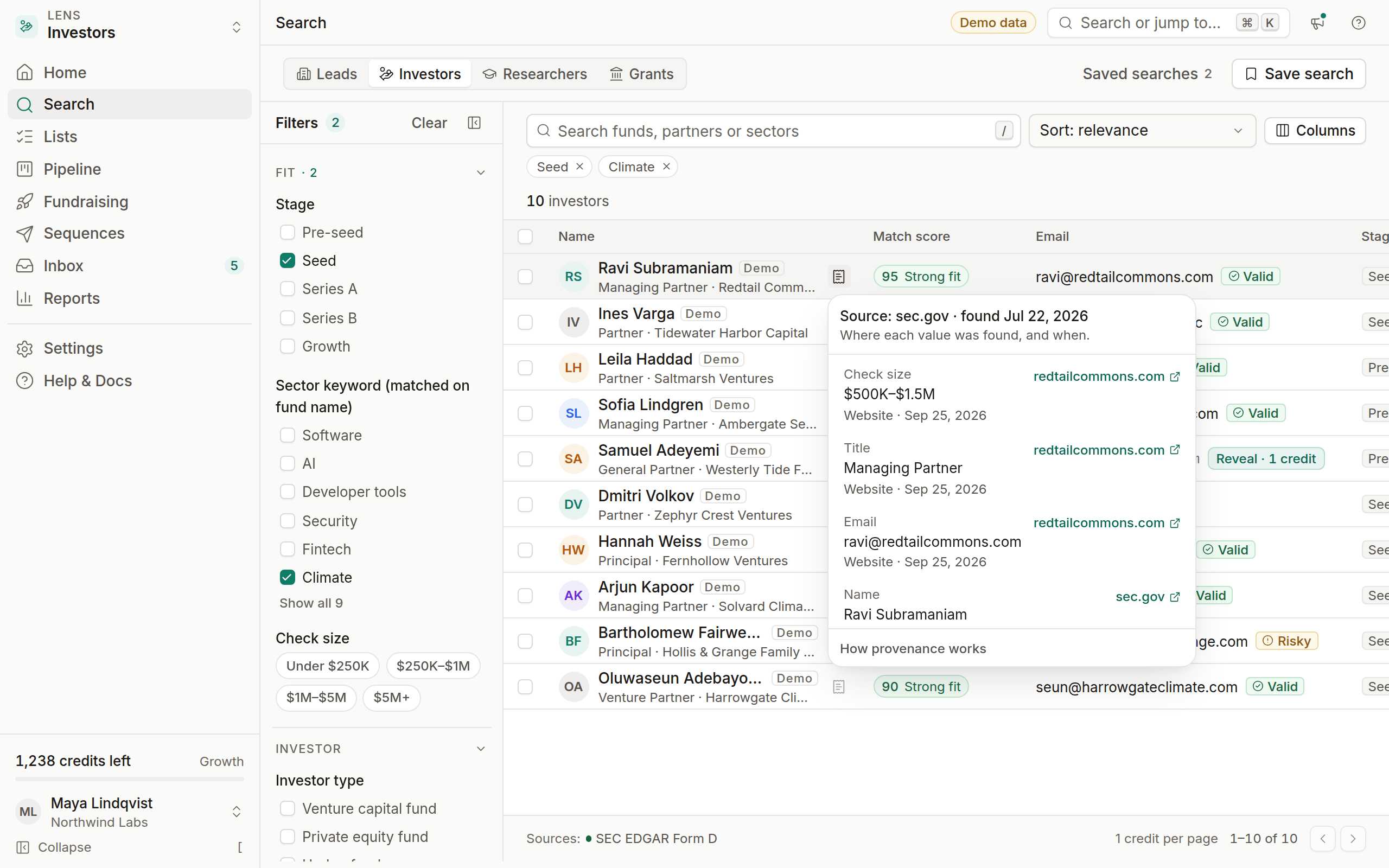
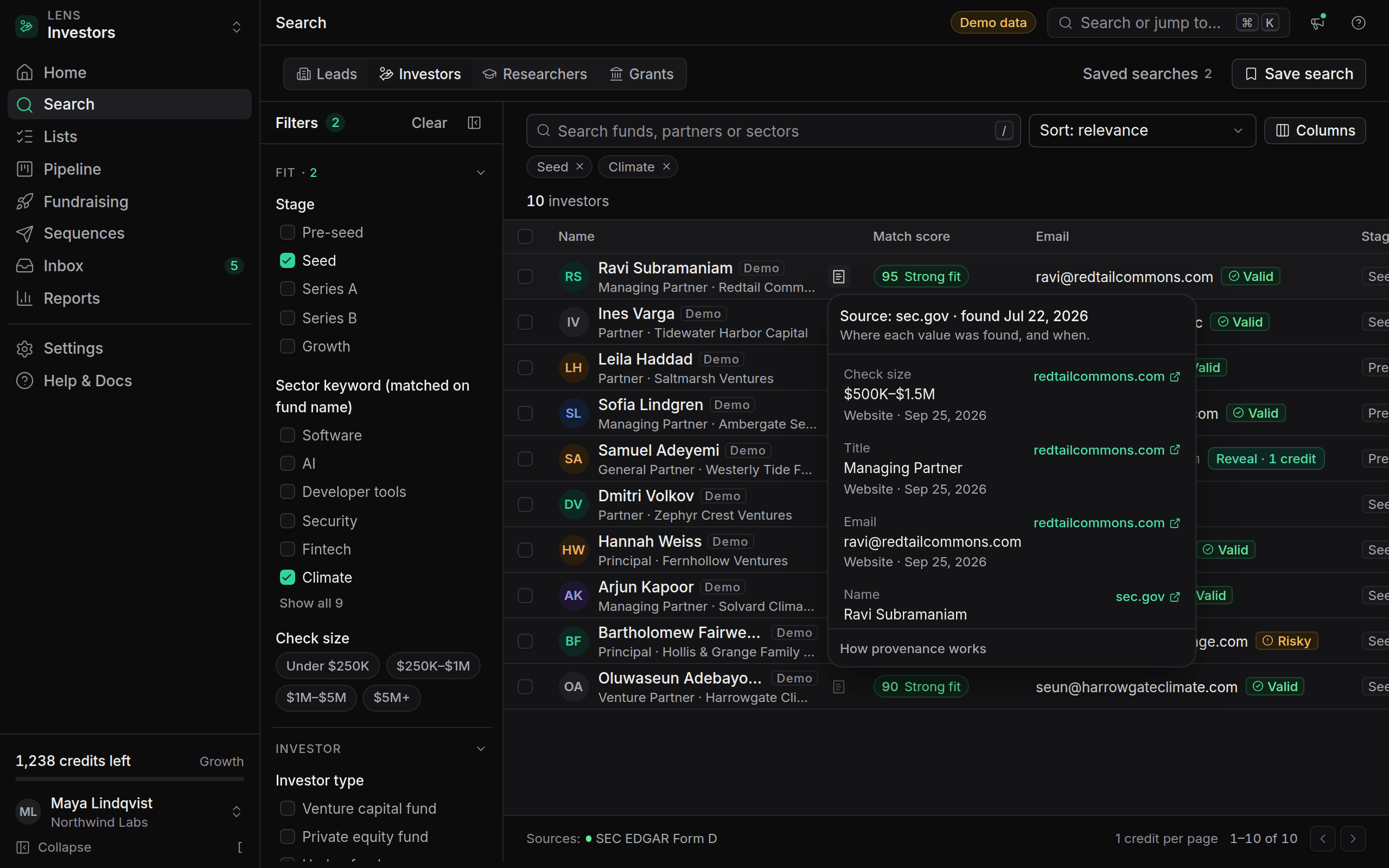
The popover shows:
For example, a fund partner's email might read Source: examplefund.com/team · found Sep 3, 2026, while the fund's size reads Source: sec.gov · found Sep 12, 2026.
Methods you'll see
- Published on page: the value appeared on the linked page, such as a team or contact page.
- From filing or From record: the value came from a structured public record, such as a Form D, an ORCID record or an NIH award.
- Ranked from domain pattern: the email wasn't published, so OmniLead ranked likely addresses using real addresses from the same domain. The popover lists which published addresses taught it the pattern.
- Business listing: the value came from a listing provider such as Google Places.
If a value can't be traced to one of these methods, OmniLead doesn't show it.
Provenance in the lead drawer
Open a lead to see provenance for every field in one place. The Overview tab lists each value with its source and date, and the Sources section gathers every page and record OmniLead used for this person.
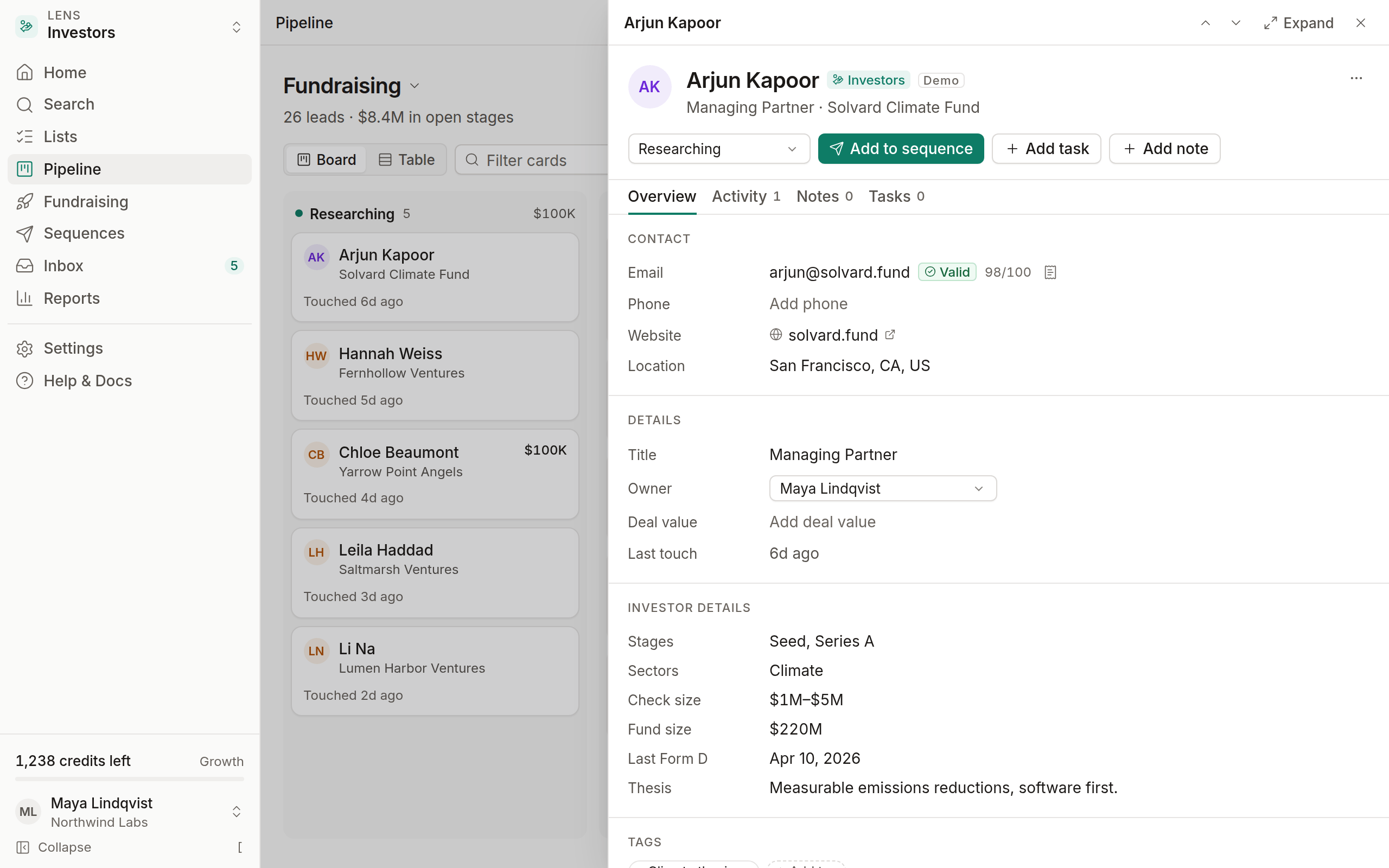
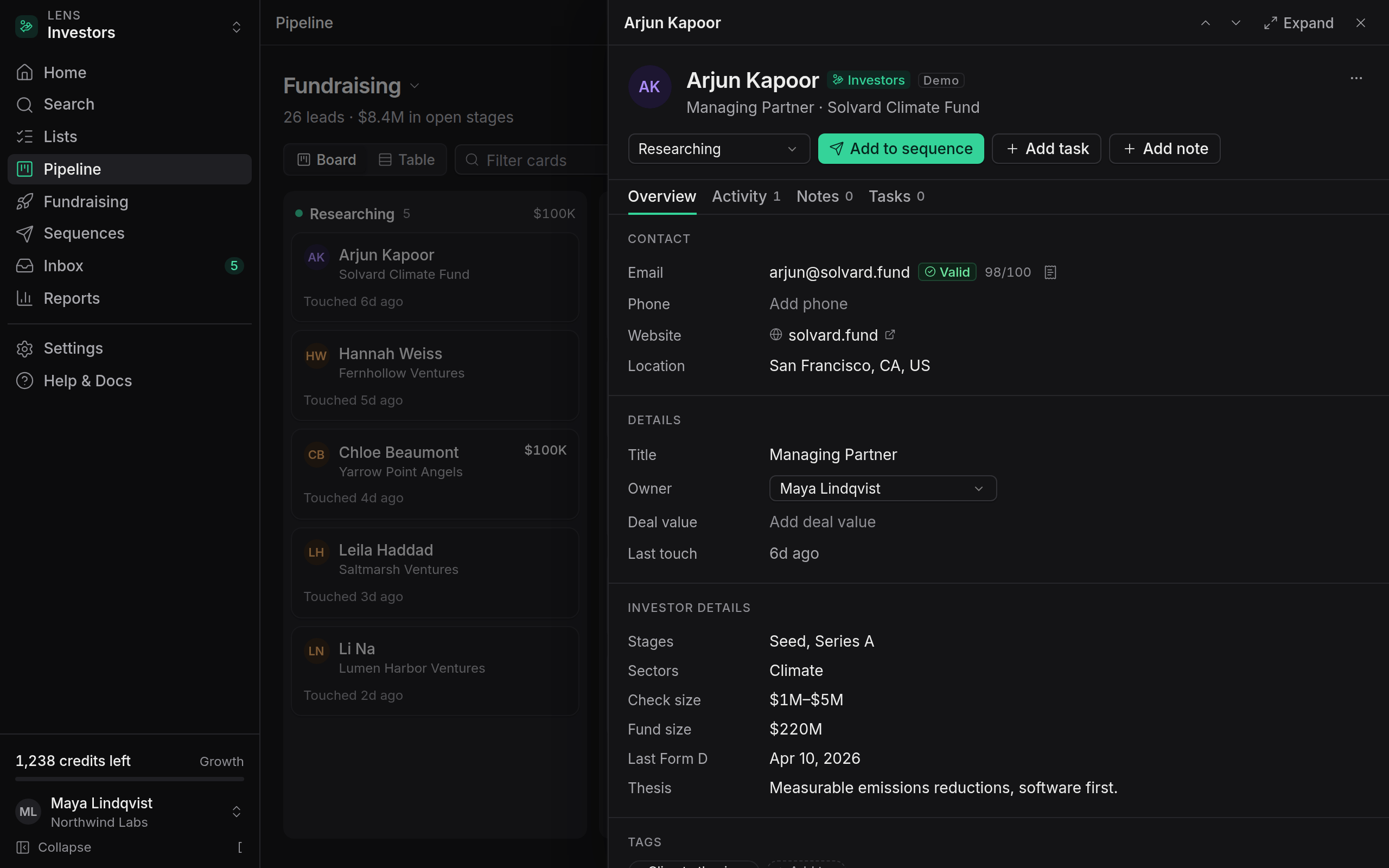
Values you type yourself, or bring in with a CSV import, are marked as Added by you or Imported from CSV, with the person and date. They're never presented as found data.
Why it matters
Before you send
Provenance tells you whether an address was published by the person or their organization. A partner email on the fund's own team page is a better bet than a pattern guess on a catch-all domain. Combined with the verification status, it helps you decide who to send to.
When someone asks where you got their data
Under GDPR (Article 14), if you process someone's personal data that you didn't collect from them, you must tell them the source. Provenance gives you that answer immediately. Each lead also stores a lawful basis, so you can show why you contacted them.
When data goes stale
People change jobs and websites change. The found date tells you how fresh a value is. As a rule of thumb, re-verify anything found more than 90 days ago before you add it to a new sequence.
Keeping provenance fresh
- Verification results are cached for 30 days. Revealing or re-verifying after that runs the checks again.
- Re-visiting a source updates the found date if the value is still there.
- If a value disappears from its source, the popover says No longer found at source with the last date it was seen. It isn't deleted automatically, because the person may still be reachable, but it's flagged so you can decide.
Provenance in exports and the API
Exports include a source column for each revealed contact field, such as email_source_url and email_found_at. The REST API returns the same information in each lead's sources array.