Find grants and funders
Search open funding from Grants.gov, NIH and NSF, turn deadlines into tasks and see who has won similar awards.
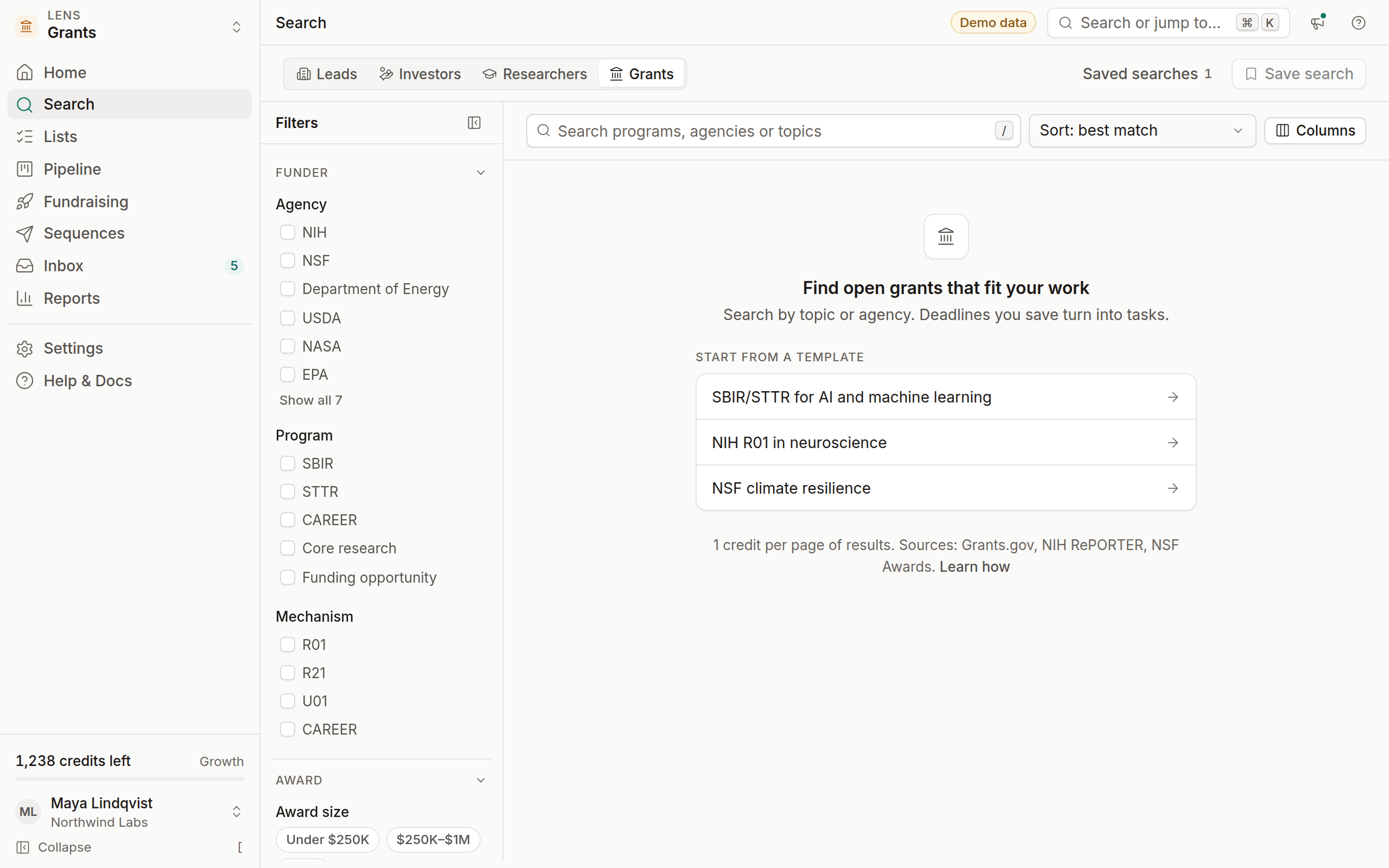
The Grants lens puts open funding opportunities from US federal sources in one search. You can filter by agency, program, deadline and amount, save the ones that fit, and let OmniLead turn each deadline into a task.
The lens is included in Growth and Agency. On Free, it's available if you chose it as your lens.
Where grant data comes from
Open opportunities come from Grants.gov. Past awards come from NIH RePORTER and NSF Awards, which is how OmniLead shows who has won similar funding.
Search for open funding
Switch to Grants
Pick Grants in the lens switcher, or press ⌘ 4.
Search a topic or program
Type a subject such as "climate resilience", a program such as "SBIR", or an opportunity number.
Filter by deadline
Set Closes within so you only see deadlines you can realistically meet.
Filters
Templates such as SBIR/STTR for AI and machine learning and NIH R01 in neuroscience set these for you.
Deadlines become tasks
When you save a grant to a pipeline, OmniLead creates a task for its deadline and assigns it to you. You can change the due date and assignee like any other task.
Open the grant
Click the opportunity to see the full summary, eligibility and documents.
Save it
Click Add to pipeline and pick a stage such as Preparing.
Check the task
A task named after the opportunity appears in Tasks, due on the closing date. Add your own internal deadline as a second task.
Past awardees
Each opportunity lists similar past awards from NIH RePORTER and NSF Awards: the project title, principal investigator, institution, amount and year. Use them to:
- Gauge fit. If nobody like you has won this program, read the eligibility again.
- Find collaborators. Past awardees in your field are natural partners. Open one in the Researchers lens to see their recent work.
- Talk to program officers with context. Knowing what was funded makes your first question sharper.
Past awardees are people, so their contacts are masked until you reveal them, and the same outreach rules apply.