Plans & credits explained
What each plan includes, what costs a credit, what never does, and how plan and pack credits are used.
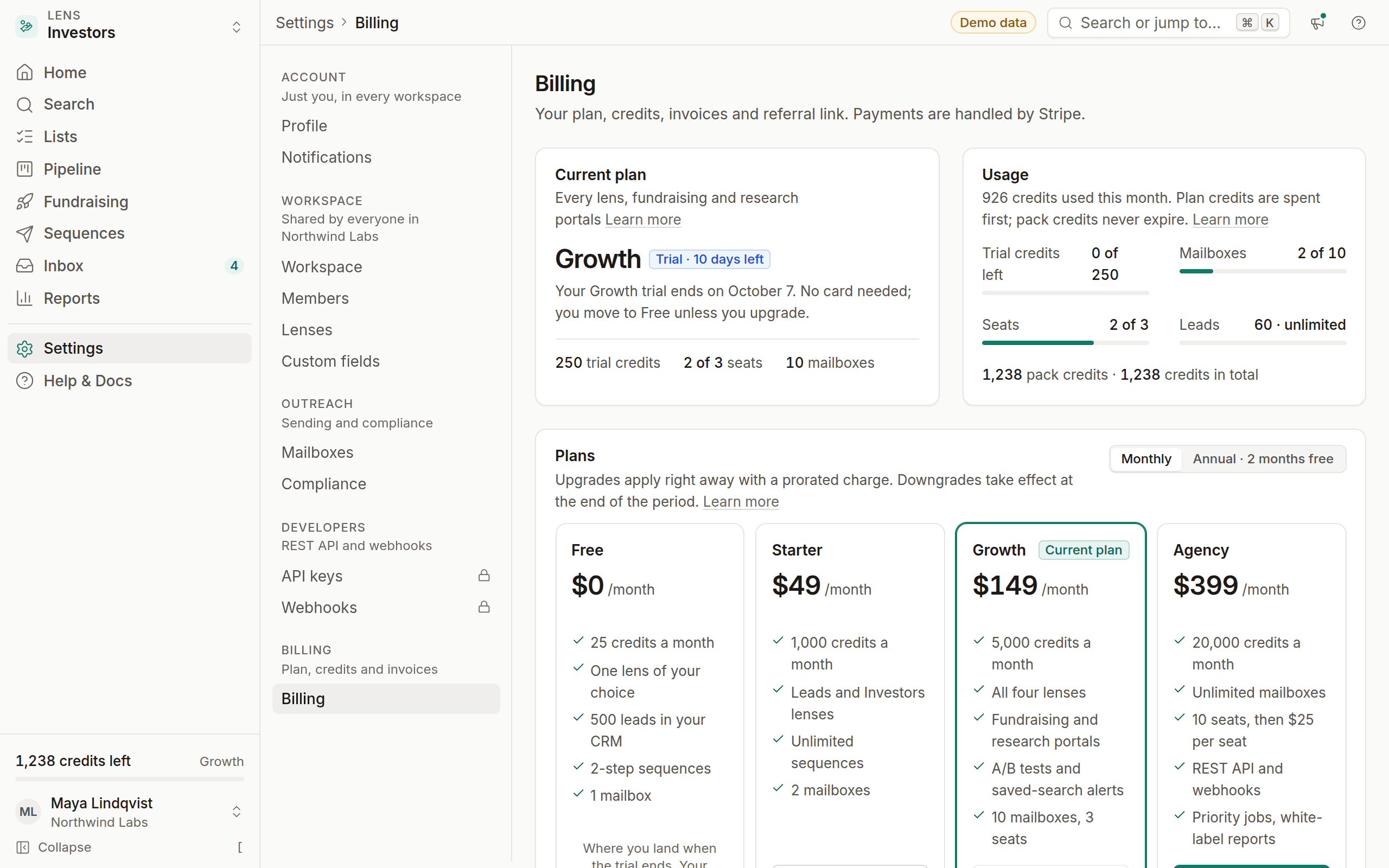
OmniLead has four plans and one currency: credits. You spend credits to load pages of search results and to reveal contact details. Everything else, from sequences to the CRM, is included in your plan.
Plans at a glance
Annual billing gives you two months free: you pay for 10 months and get 12. Prices are in US dollars. Tax is added at checkout where it applies.
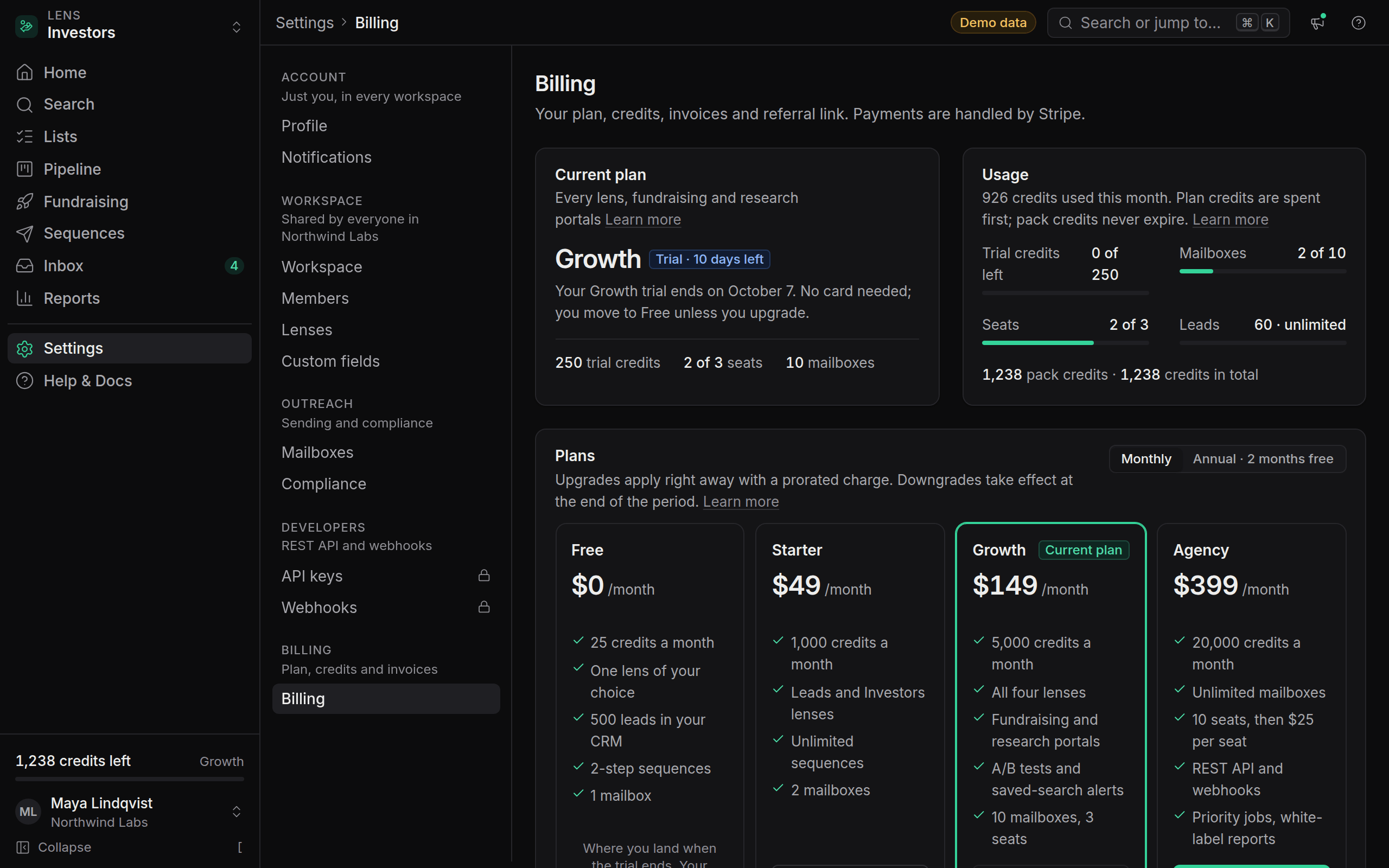
How credits work
The credits meter at the bottom of the sidebar shows your balance, for example 1,240 credits left. Click it to see how that balance splits between plan credits and pack credits, and to buy more.
What costs a credit
A page of results is charged when it loads. Adjust your filters before you page forward, so each page you pay for is one you want.
A reveal shows the contact's email and phone together, each with its verification status and source. You pay once per contact, not once per field.
What never costs a credit
- Revealing the same contact again. The second reveal is free, for you and for everyone in your workspace.
- Failed or invalid lookups. If OmniLead can't find an email, or verification shows the address is Invalid, the credit is refunded automatically. You'll see the refund in your usage history.
- Everything in the CRM: pipelines, notes, tasks, tags, custom fields, import and export.
- Sending. Sequences, replies and the unified inbox don't use credits.
- Your first reveal during onboarding.
Plan credits and pack credits
You can hold two kinds of credits at once:
- Plan credits arrive at the start of every billing period. On the monthly plans that's each month; on annual plans your monthly allowance still arrives each month. Unused plan credits don't roll over.
- Pack credits come from one-time purchases. Pack credits never expire.
When you spend a credit, OmniLead always uses plan credits first, then pack credits. That way the credits that would reset are used up before the ones you keep.
Credit packs
If you need more credits than your plan includes, buy a pack. Packs work on every plan, including Free.
Open billing
Click the credits meter, or go to Settings → Billing.
Choose a pack
Click Buy credits and choose a pack.
Pay
Complete checkout. The credits appear in your balance as soon as the payment succeeds.
The Growth trial
Your first workspace starts on a 14-day Growth trial automatically, with no card and 250 credits to use during the trial. During the trial you get all four lenses, the fundraising and research portals, A/B subject lines and saved-search alerts.
We send reminders on days 3, 7, 12 and 14. If you don't choose a paid plan by the end of day 14, your workspace moves to Free automatically. Nothing is deleted: your leads, sequences and history stay, and features outside the Free plan simply become read-only until you upgrade.
When you run out
When your balance reaches zero, searches and reveals pause. You'll see a message where you tried the action, with two choices: buy a credit pack, or move to a plan with more credits. Anything already revealed stays visible, and sending continues.
To upgrade, go to Settings → Billing and click the plan you want, for example Upgrade to Growth. To change payment details, download invoices or cancel, click Manage in Stripe.
Does paging back to a page I already loaded cost another credit?
Loading a page is what costs a credit. If you want to keep results, save them to a list or pipeline, or save the search, rather than paging through the same results again.
Do teammates share credits?
Yes. Credits belong to the workspace, and every seat draws from the same balance. A contact revealed by one teammate is revealed for everyone.
What happens to my pack credits if I downgrade or cancel?
They stay on your workspace. Pack credits never expire, and you can use them on any plan, including Free.
Can I get a refund on credits I didn't use?
Plan credits reset each period and aren't refundable. For a billing problem, contact support from the help panel.