Skip to content

Changelog

What's new in OmniLead

New features, improvements and fixes, newest first. For how-to guides, see the docs.

    • New

    OmniLead Docs and the API reference

    Task-first docs for every feature, and a REST API reference generated from our OpenAPI spec with a Try it console.

    OmniLead Docs cover every part of the product, from your first search to compliance and billing, with step-by-step guides, exact UI labels and real screenshots. Search them with Cmd+K, or open help from the ? button in the app to see the articles for the page you're on.

    The REST API is available on Agency, at version 2026-09-28:

    • Search and reveal, leads with provenance, companies, pipelines, tags, notes, tasks, sequence enrollments, suppressions, credits and exports.
    • Ten signed webhook events, from lead.created to credits.low.
    • Cursor pagination, idempotency keys, 120 requests a minute per key, and one error format with a stable code.
    • Test keys that never spend credits or send email.

    The API reference is generated from our OpenAPI 3.1 spec, so it always matches the API. Every endpoint has examples in cURL, Node and Python, and a Try it console that sends real requests with your test key.
    • New

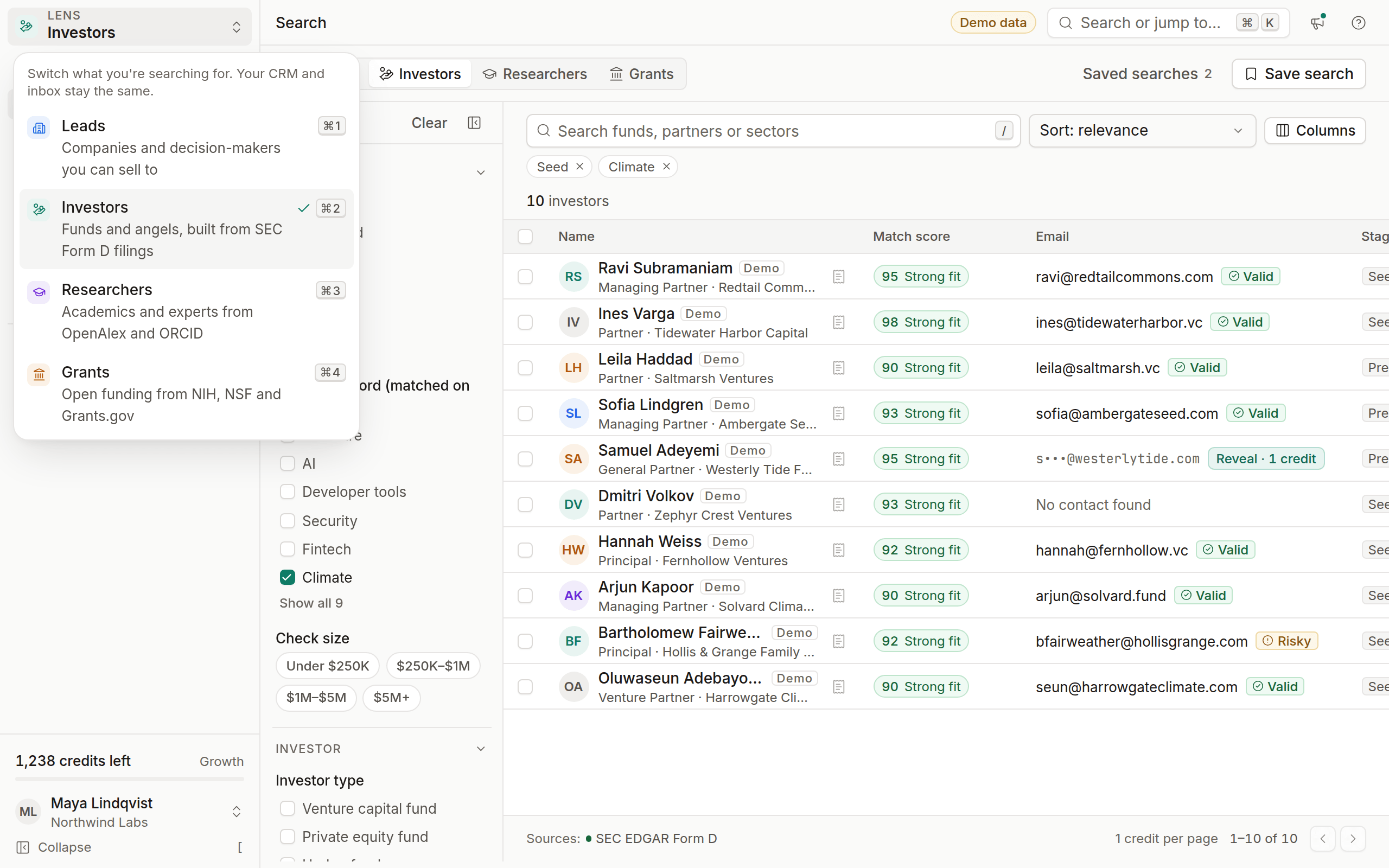
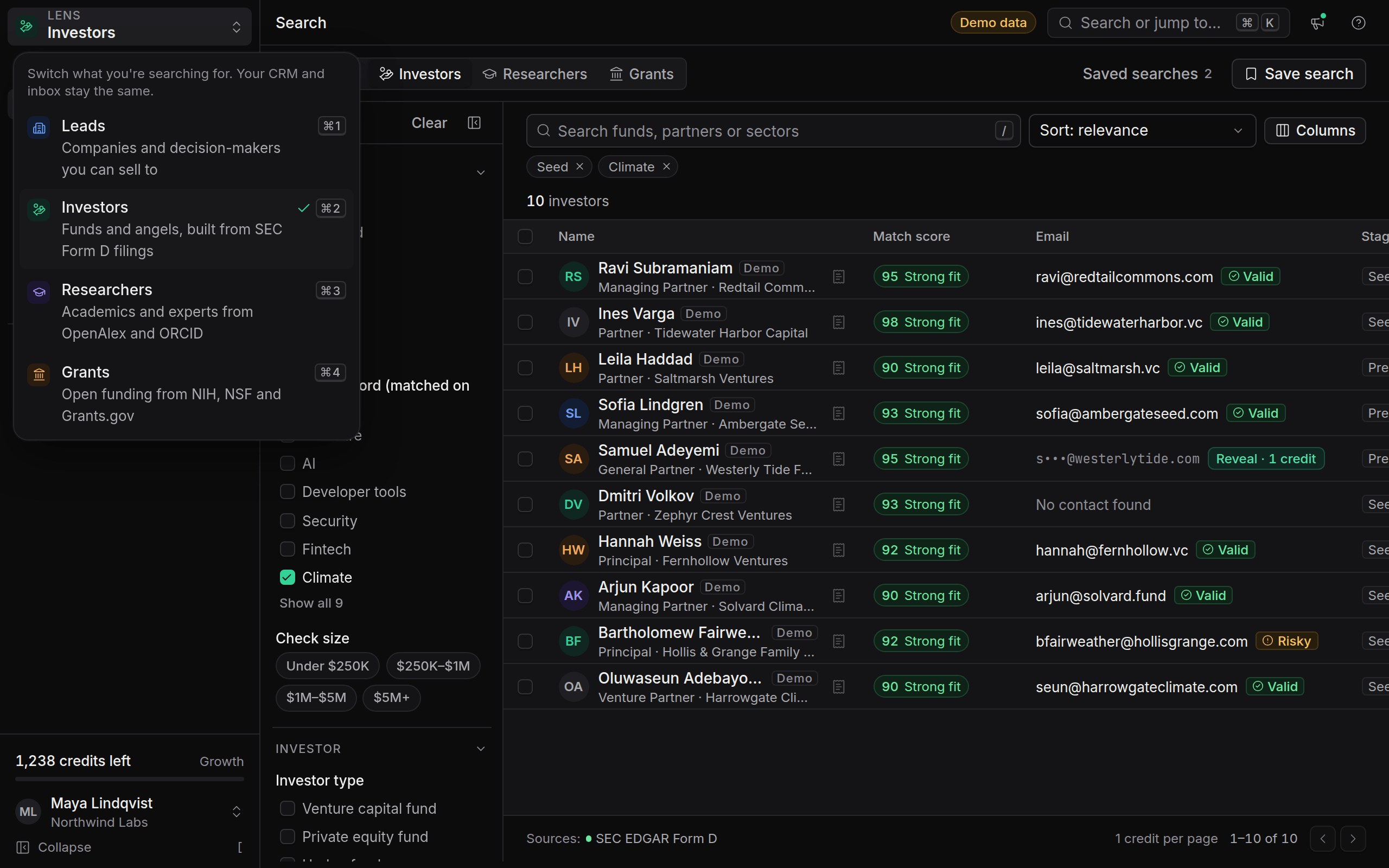
    Investor match scores and intro requests

    See how well every investor fits your round with a transparent 0–100 score, and request double-opt-in intros through the fundraising portal.

    Investor match scores and intro requests

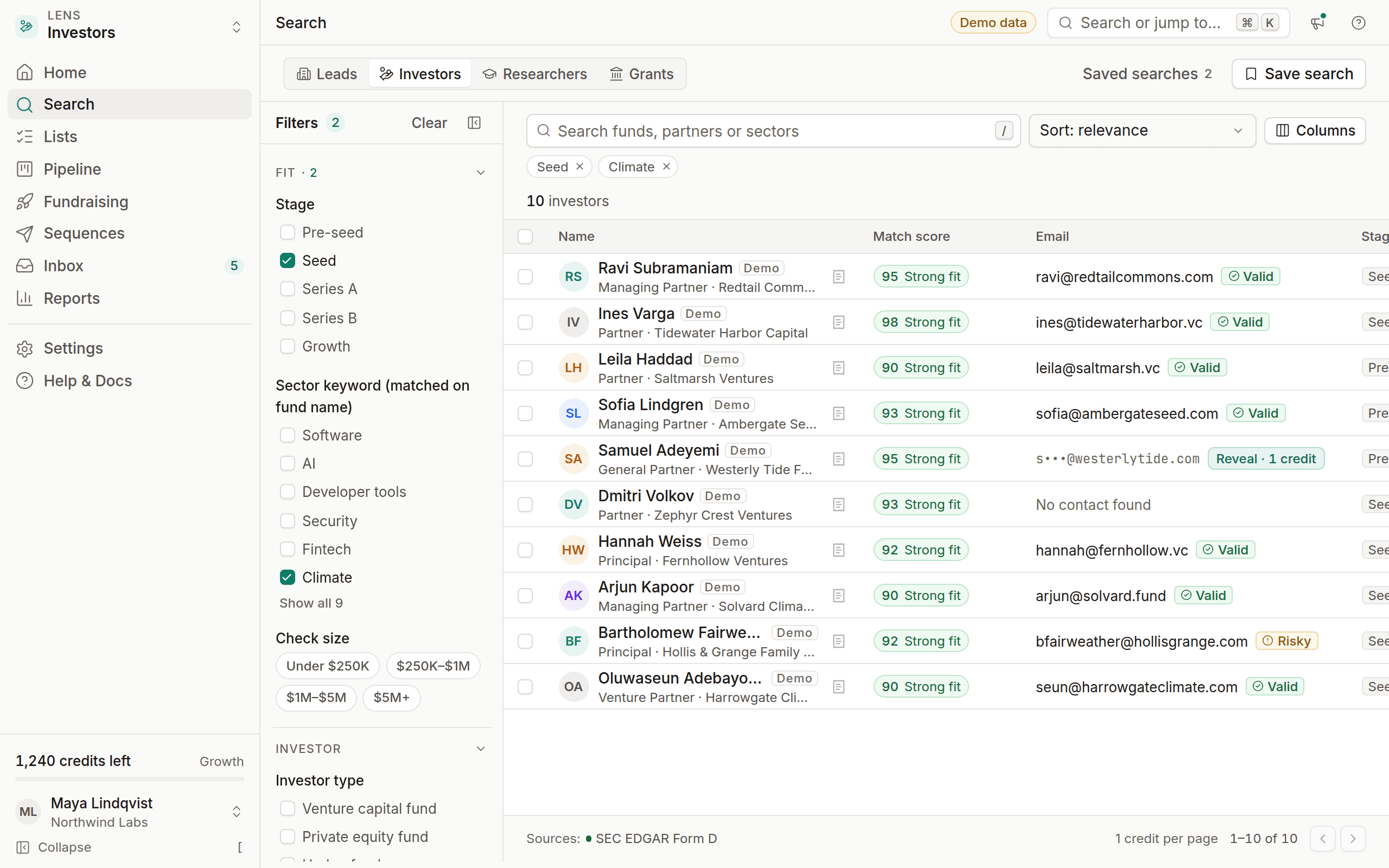
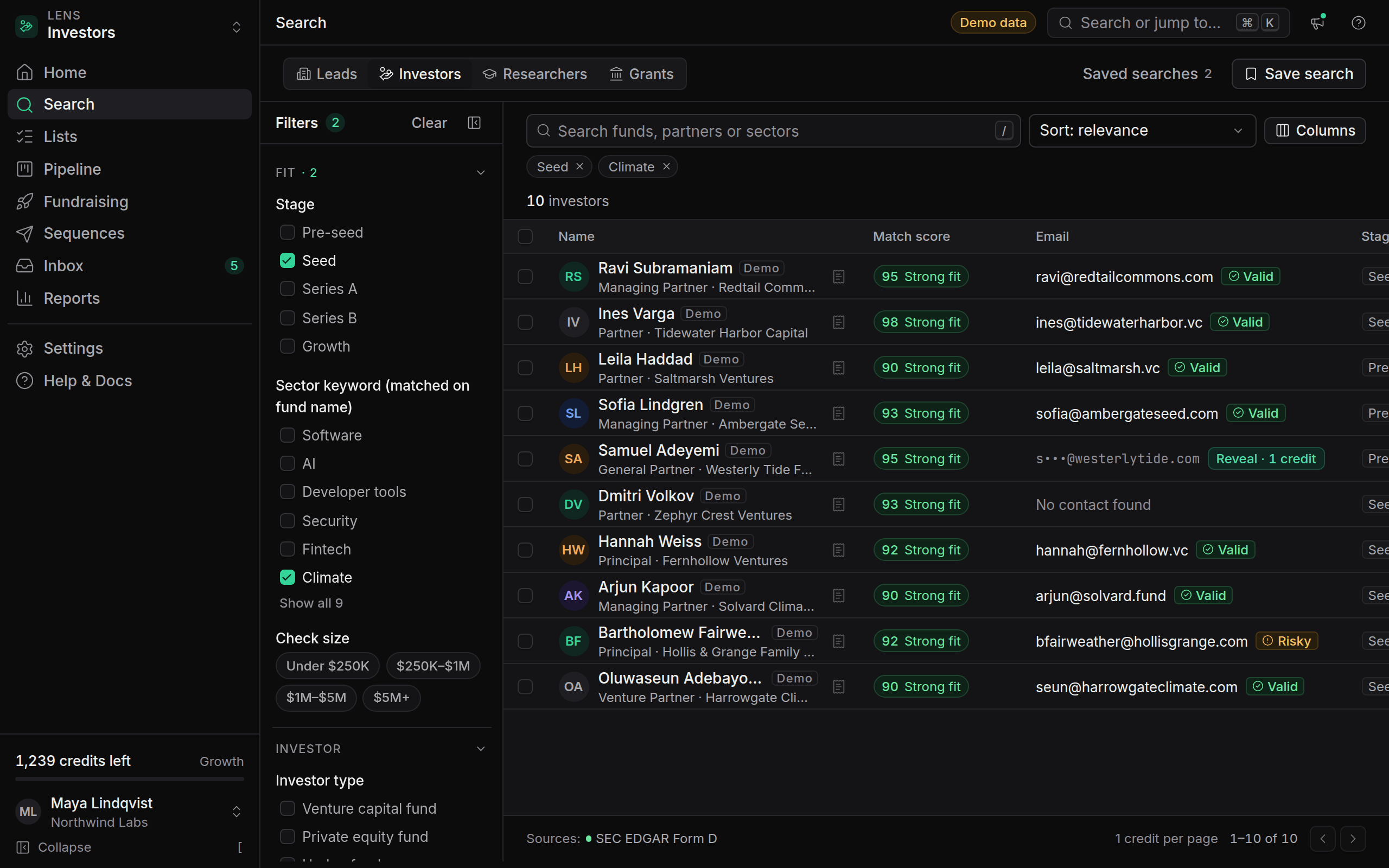
    Founders in Raising mode now see a match score from 0 to 100 on every investor. The score is deterministic and fully explained: click it to see the points from each factor.

    • Stage fit (30), sector fit (30), check size fit (20), geography (10) and recent activity (10).
    • Missing data scores a neutral value and says so, so a sparse profile never looks like a strong or a weak fit.
    • Sort any investor search by Match score.

    The fundraising portal, on Growth and Agency, adds opportunity profiles with Private, Investors only or Public visibility, investment theses for investors, and intro requests. Intros are double opt-in: contact details are shared only after the other side accepts.

    See How match scores work and Build your opportunity profile.

    • New

    Public opt-out portal

    Anyone can now remove their own data from OmniLead at /privacy/opt-out, and the removal applies to every workspace.

    OmniLead is built on public professional data, and the people in it now have a simple way out. At /privacy/opt-out, anyone can enter their email address, confirm it with a code we send, and choose to remove their data or stop being contacted.

    When a request is confirmed:

    • The address is added to a global suppression list, stored as a one-way hash.
    • The person's contact details are removed from search results.
    • The address is cleared from every workspace's leads, and active sequence enrollments stop.
    • Workspaces with webhooks receive unsubscribe.created with scope: "global".

    Every page of the site also links to Do Not Sell or Share My Personal Information for California residents under the CCPA and CPRA.

    See How the public opt-out portal works.

    • New

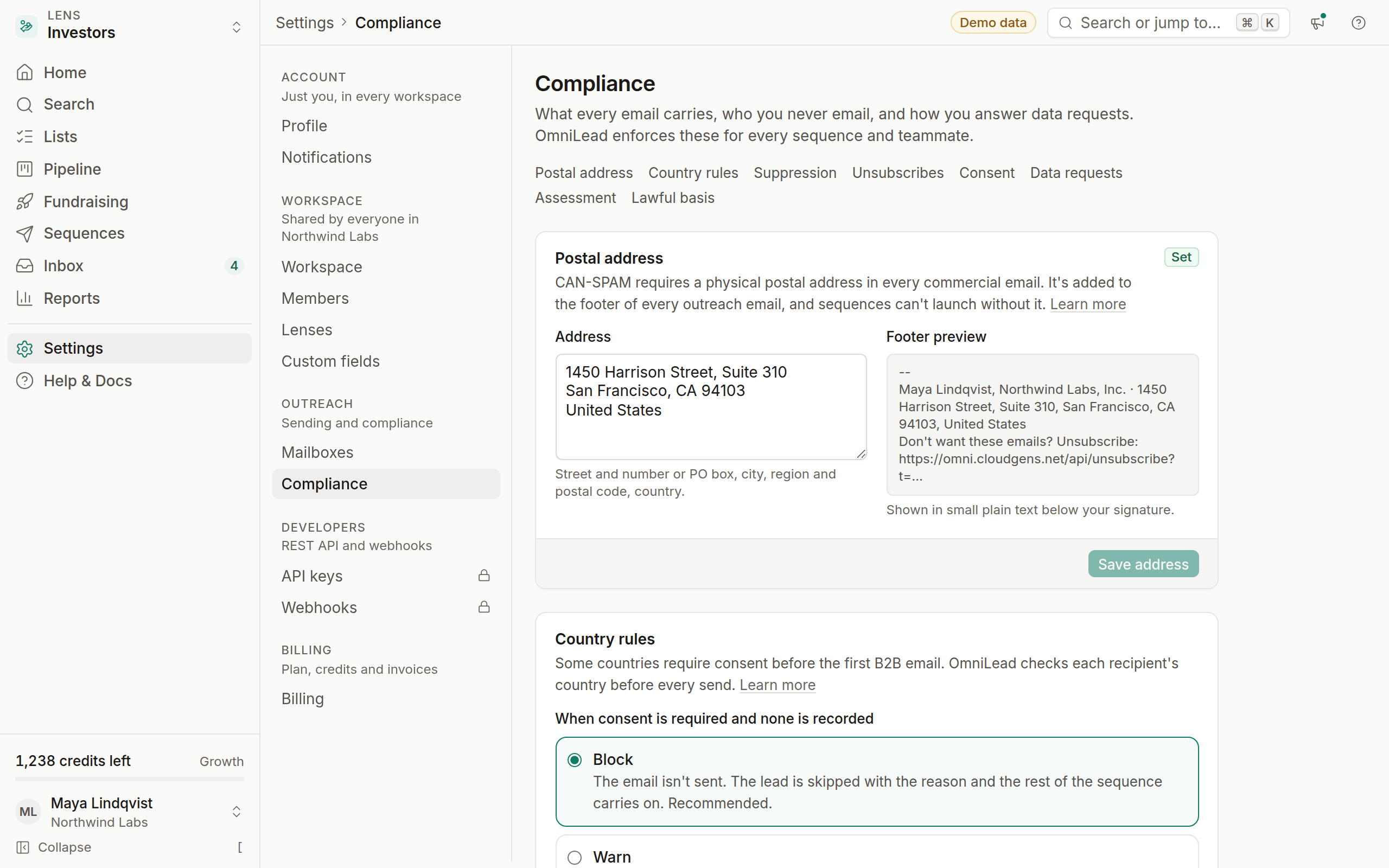
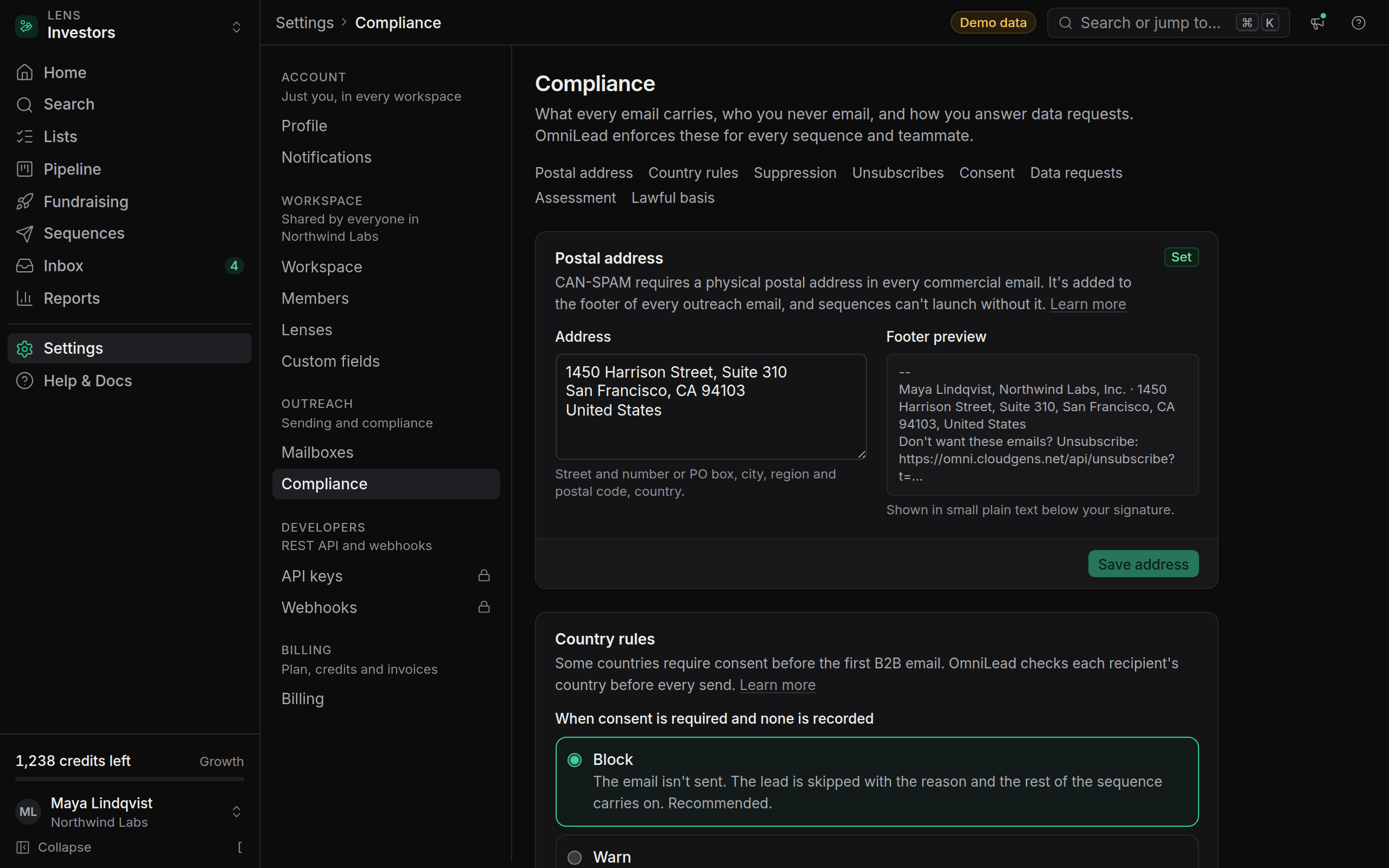
    Country sending rules

    OmniLead now checks each recipient's country before every send, and blocks or warns where B2B email needs prior consent.

    Country sending rules

    Some countries allow B2B email with an opt-out; others, such as Germany, Austria and Poland, require consent before the first message. OmniLead now applies the right rule to every recipient before every send.

    • A maintained list of countries, each with the law it's based on and a plain-English note, in Settings → Compliance → Country rules.
    • Block or warn. Owners and admins choose what happens when a consent country has no consent record. Block is the default.
    • Canada (CASL) is always blocked without a consent record.
    • Consent records on each lead store the basis, source, evidence and date, and can be withdrawn.
    • Clear reasons. Skipped leads show exactly why, for example "Germany requires prior consent for B2B email and none is recorded."

    The same checks run for enrollments through the API, which return the reason country_blocked. See Set country sending rules.

    • New
    • Improved

    Bounce circuit breaker

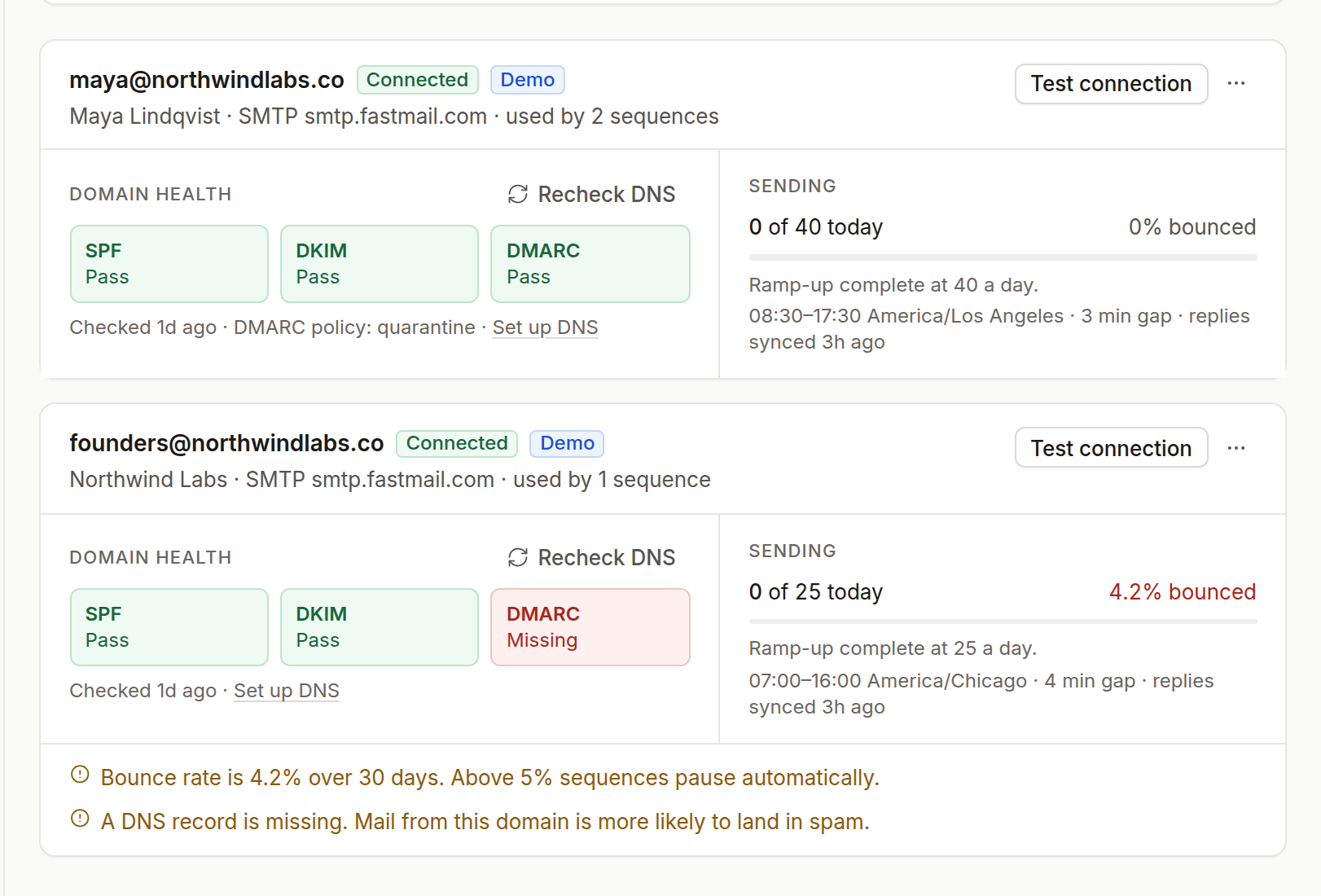
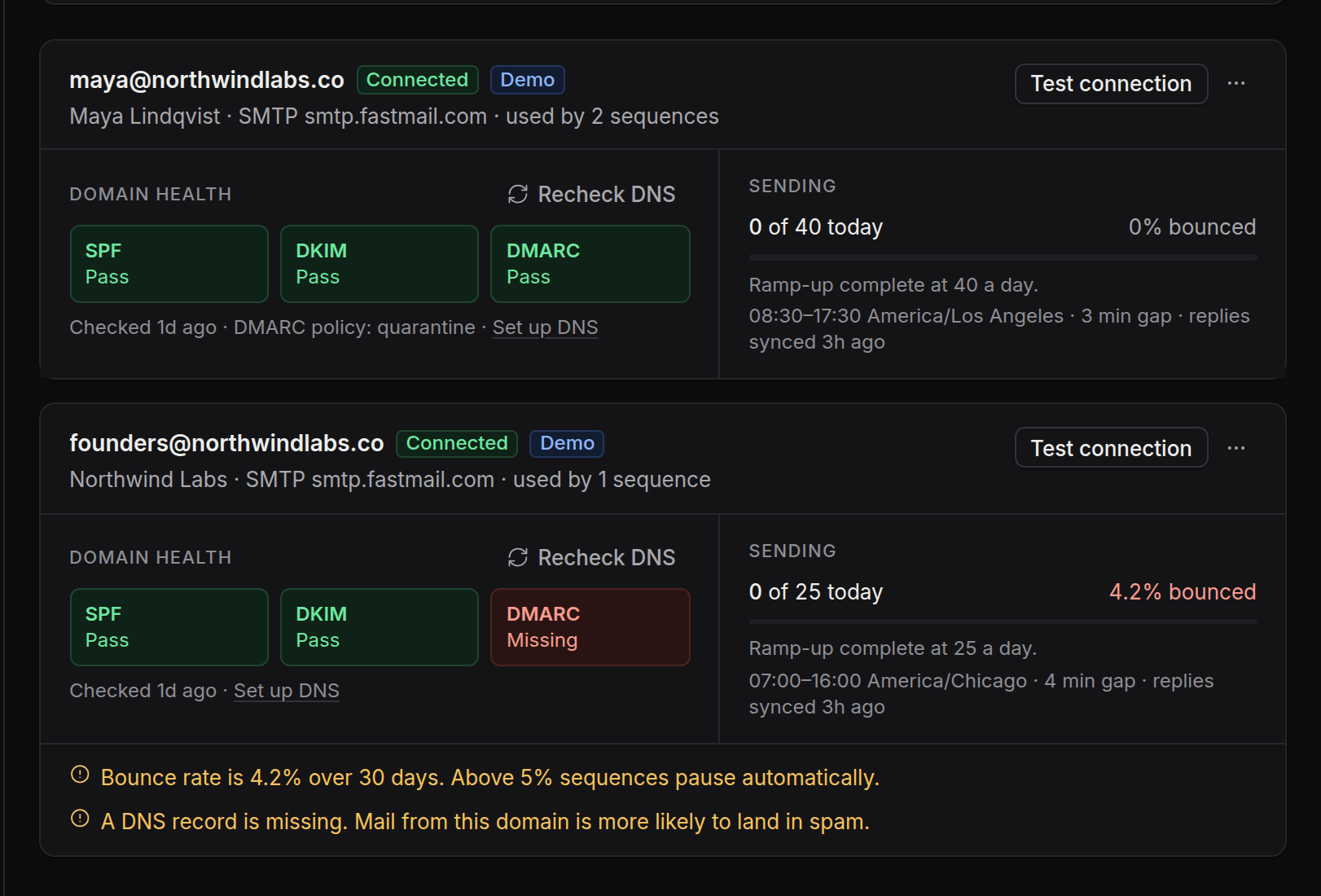
    Sequences now pause themselves at a 5% bounce rate, and every hard bounce is suppressed automatically.

    Bounce circuit breaker

    A high bounce rate is the fastest way to damage a sending domain, so OmniLead now watches it for you. When a sequence's hard bounces reach 5% of its sends, after at least 20 sends, the sequence pauses automatically. The sequence shows why it paused, so you can clean the list before you resume.

    Also in this release:

    • Bounces are parsed and suppressed. A hard bounce marks the address invalid and adds it to your suppression list with the reason Bounce, so no sequence retries it.
    • Mailbox health on every card. Each mailbox in Settings → Mailboxes shows its SPF, DKIM and DMARC status and its recent bounce rate.
    • Ramp-up for new mailboxes. New mailboxes start at 10 emails a day and add 5 every two days up to their daily cap.
    • Open tracking is off by default. Tracking pixels are a spam signal and unreliable; you can still turn it on per sequence.

    See Fix emails going to spam.

    • New

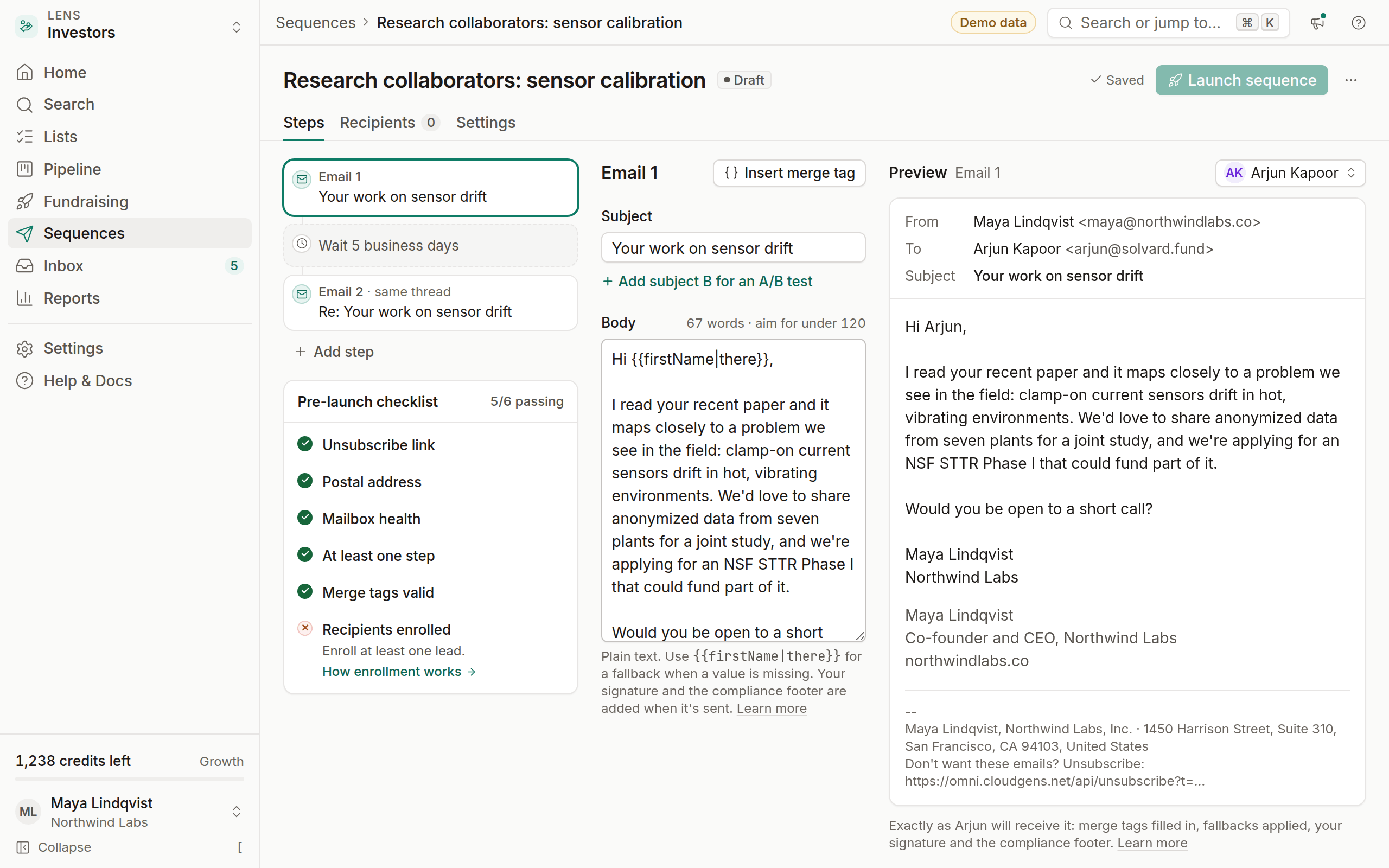
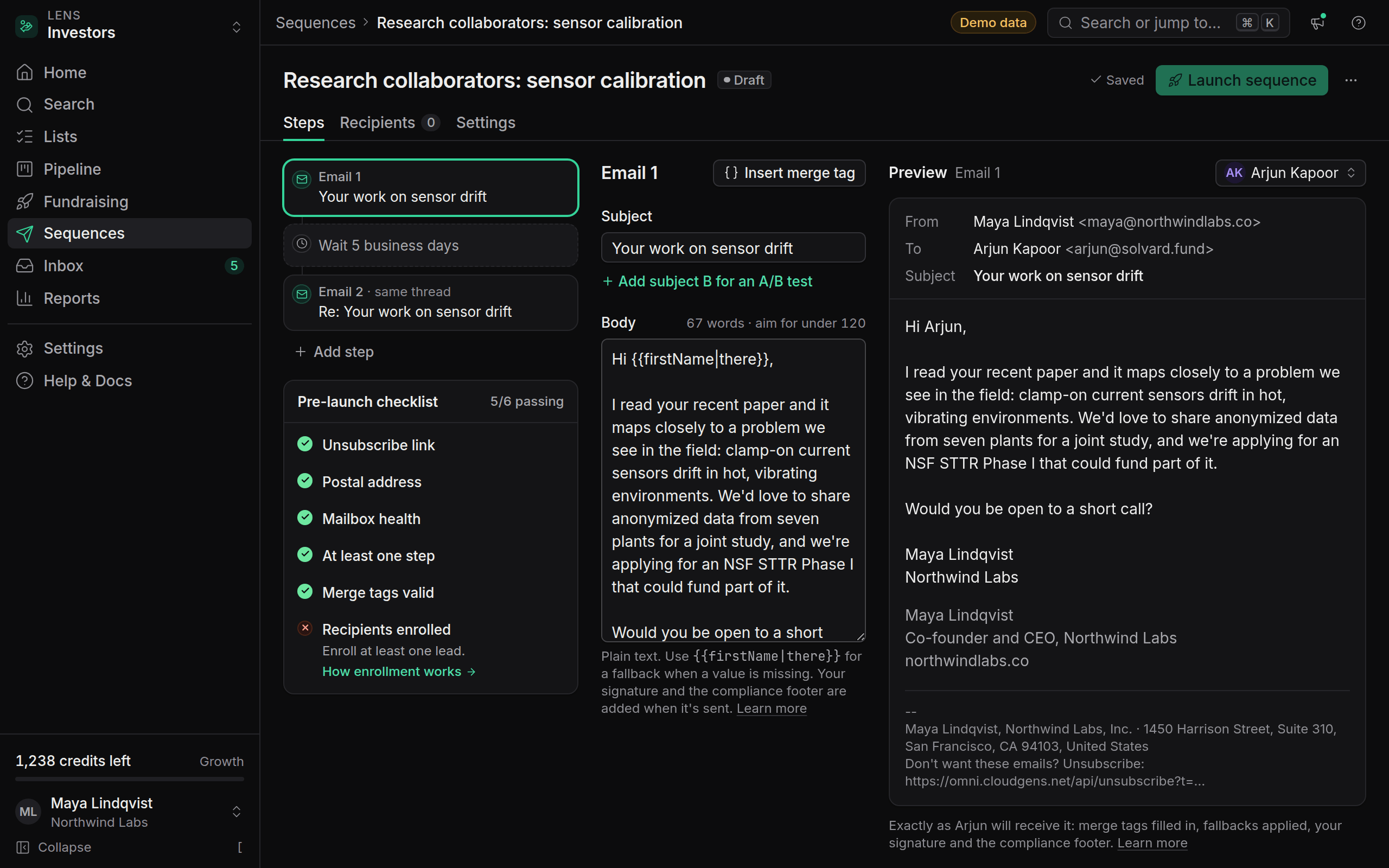
    Sequences with a pre-launch checklist

    Build email sequences with merge tags, waits and A/B subject lines, and launch only when the compliance checklist is all green.

    Sequences with a pre-launch checklist

    Sequences are here. Build a timeline of email and wait steps, write each email with a live preview for a real lead, and send from one or more connected mailboxes in rotation.

    • Merge tags with fallbacks, such as {{firstName|there}}, chosen from a dropdown.
    • Business days only, so a three-day wait never lands on a Sunday.
    • Threaded follow-ups that reply in the same conversation.
    • A/B subject lines on Growth and Agency.
    • Reply detection that stops the sequence for a lead as soon as they answer, and ignores out-of-office replies.

    Before Launch sequence becomes available, a pre-launch checklist has to be all green: every email step has an unsubscribe link, your postal address is set, and each mailbox is healthy. Every email carries one-click unsubscribe headers (RFC 8058), and unsubscribes take effect immediately.

    See Add your postal address to every email and Handle unsubscribes and suppression.

    • New

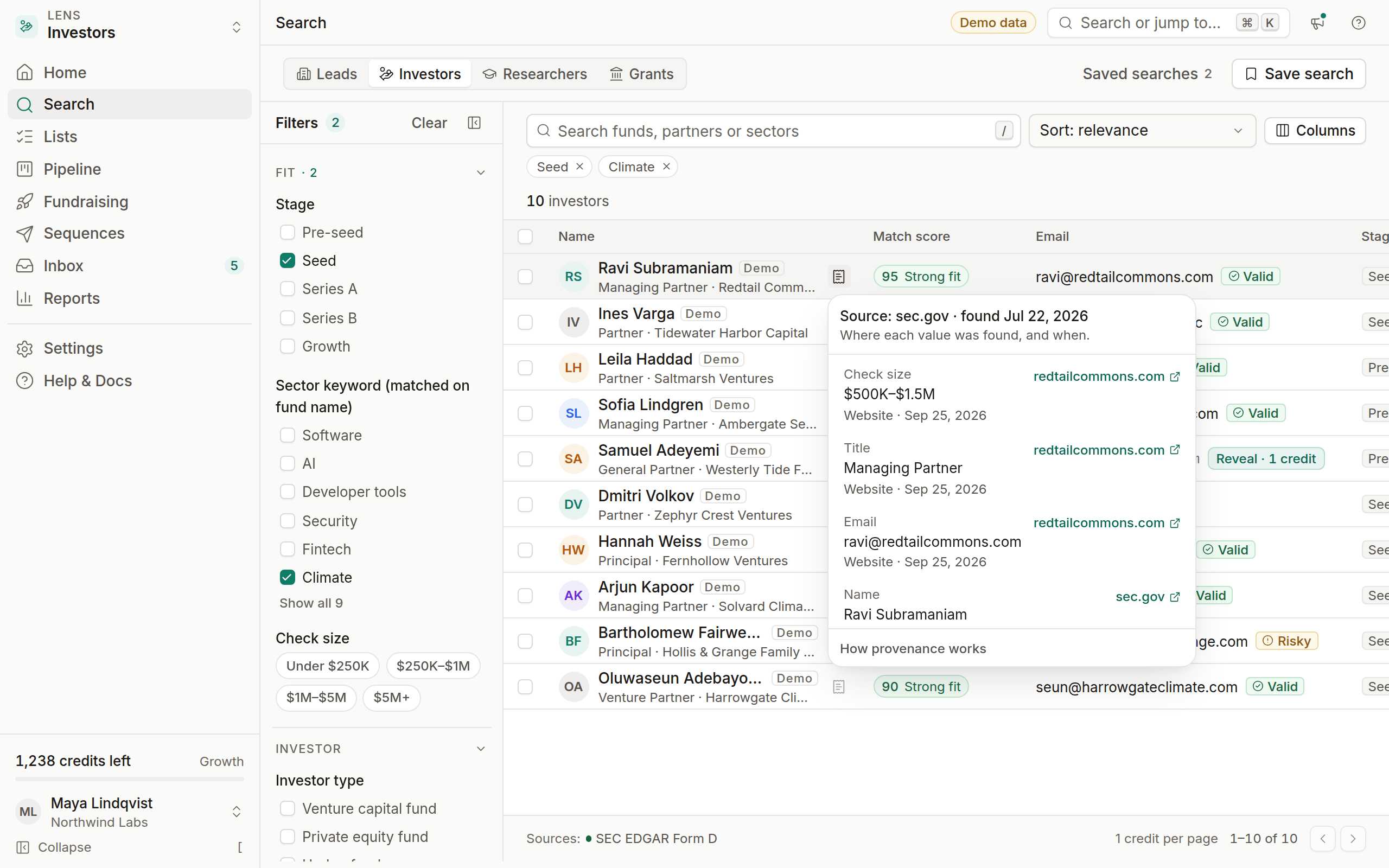
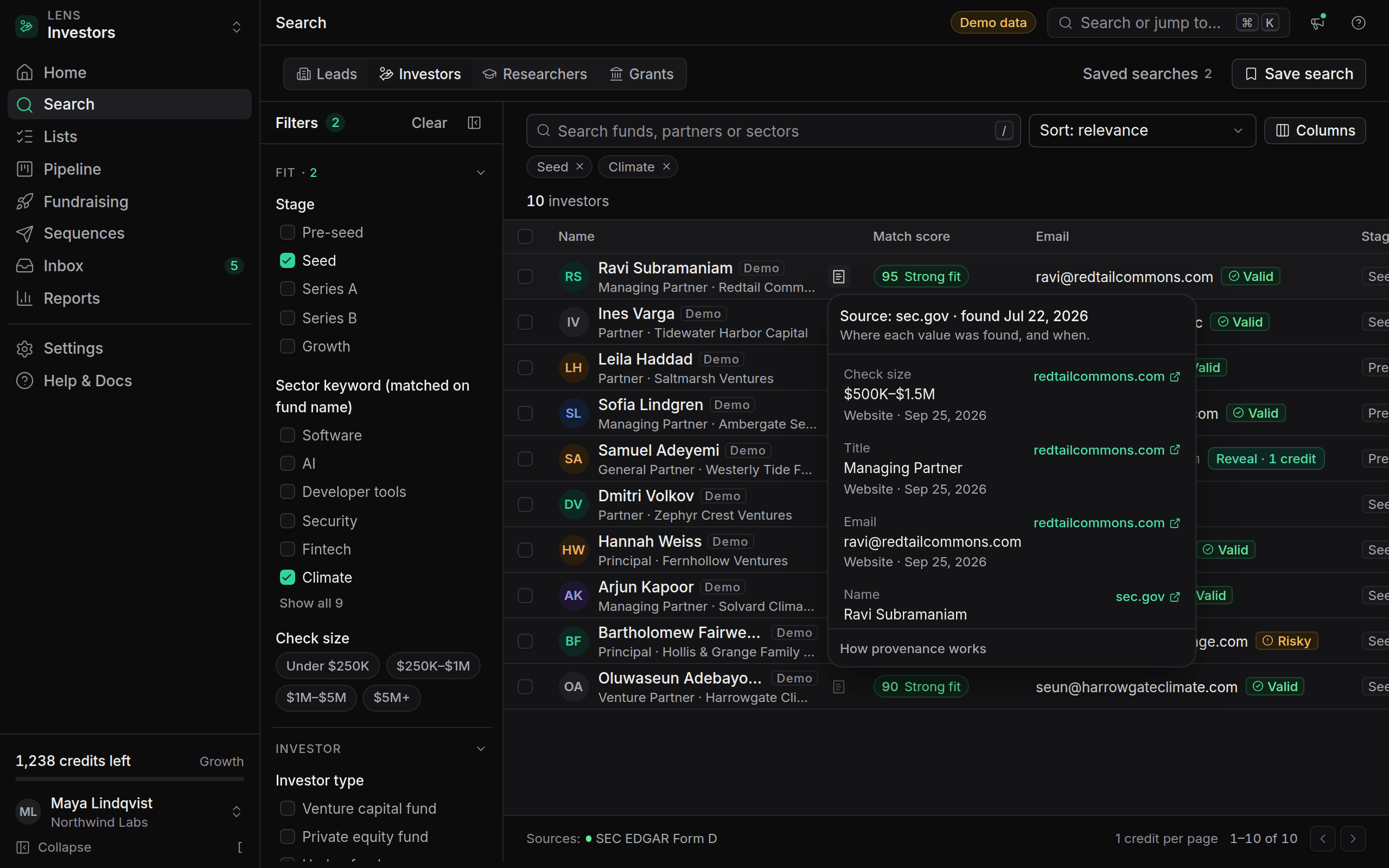
    Provenance on every field

    Every email, phone number and fact now shows the public page it came from and the date it was found.

    Provenance on every field

    Click the source icon next to any email, phone number, title or company detail to see where it came from: the source URL, the provider that fetched it, and the date. For example, "Source: sec.gov · found Sep 12, 2026".

    Provenance is stored field by field, so a lead's email and job title can come from different pages, and each keeps its own source. It follows the lead everywhere:

    • In search results, before you reveal.
    • In the lead drawer, under each field.
    • In the API, as sources[] on GET /leads/{id}.

    Nothing in OmniLead is guessed or generated. If we can't show where a value came from, we don't show the value. This also answers the question GDPR requires you to answer in your first email: where you got someone's details. See Respond to GDPR data requests.