- New
Provenance on every field
Every email, phone number and fact now shows the public page it came from and the date it was found.
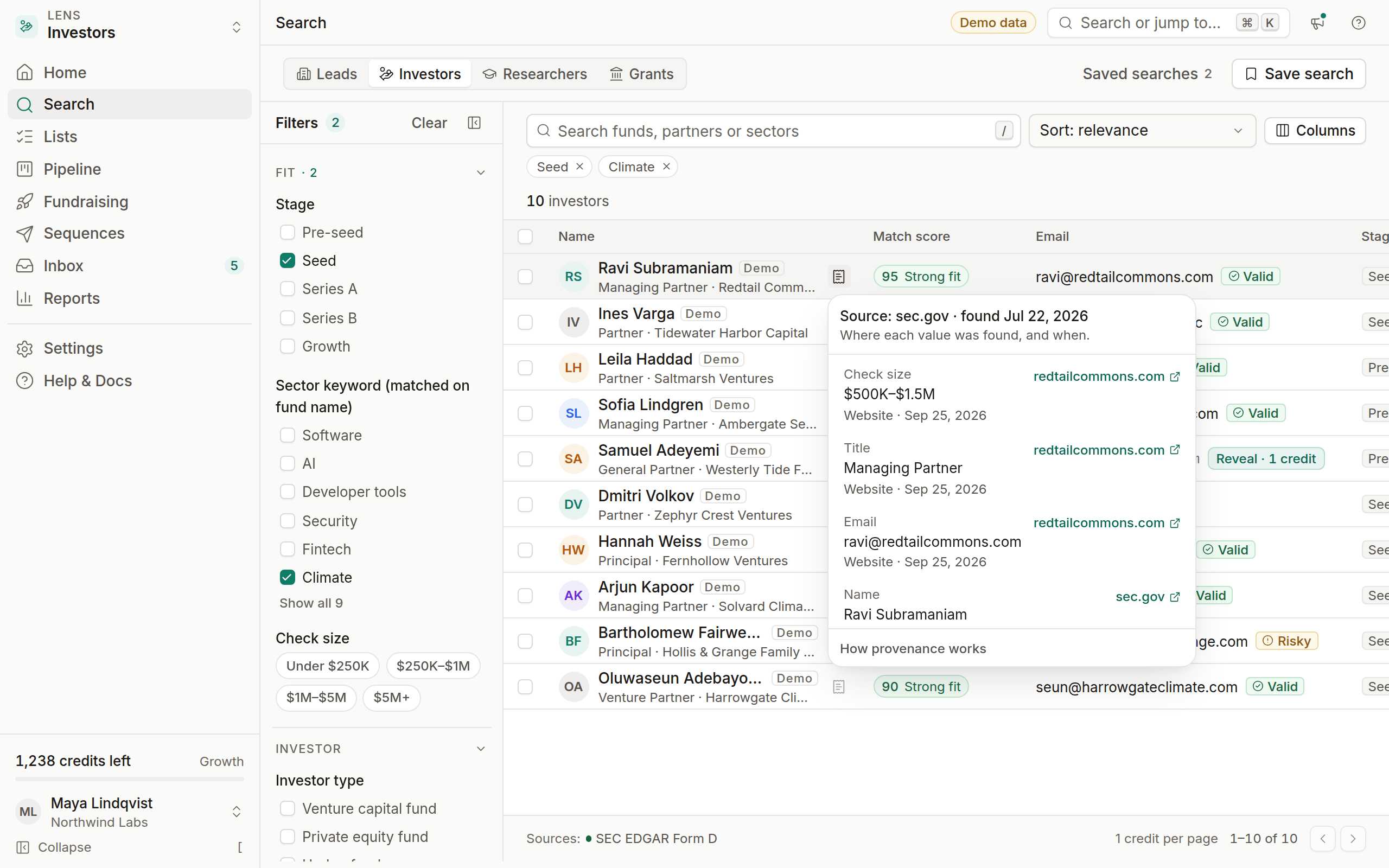
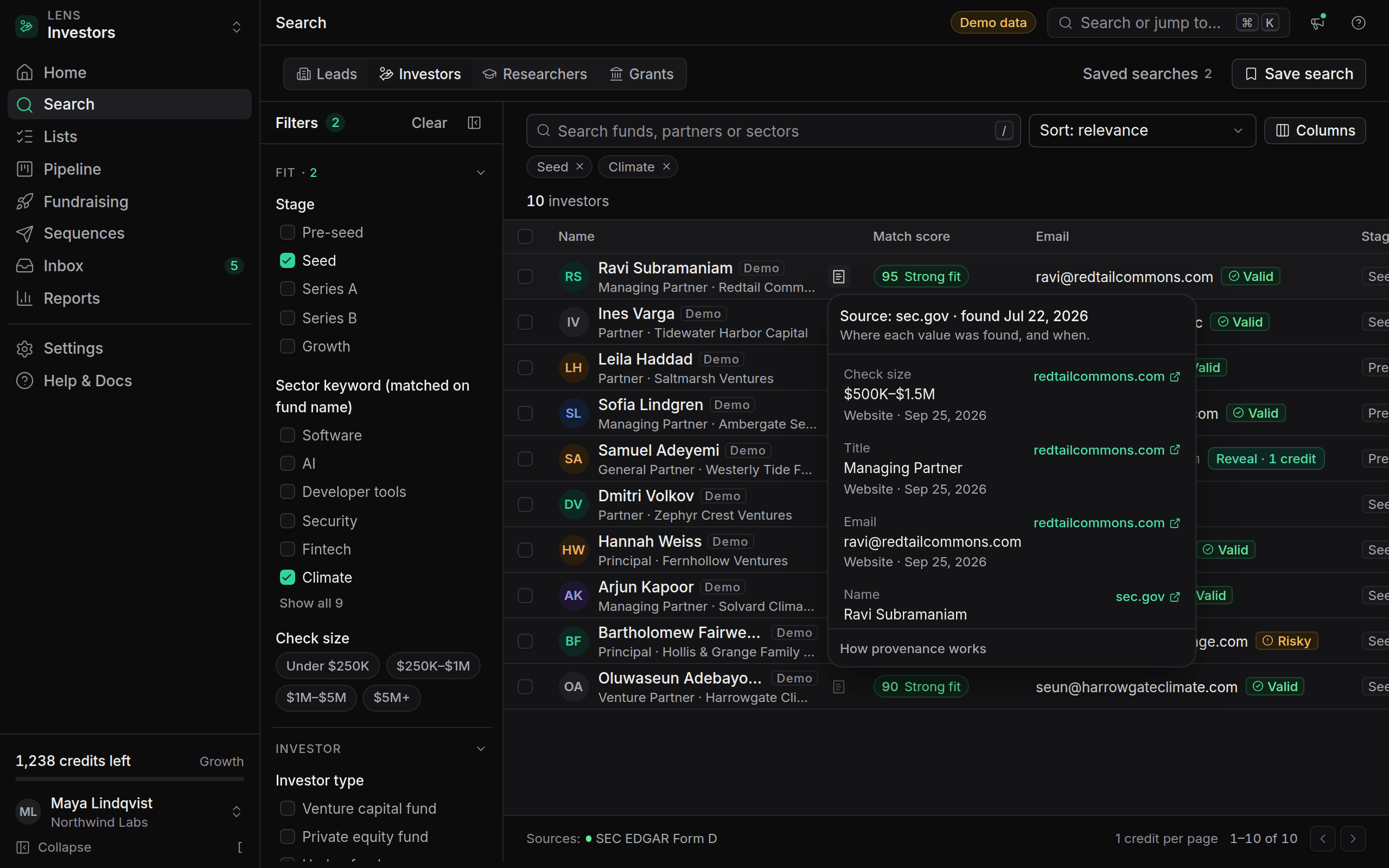
Click the source icon next to any email, phone number, title or company detail to see where it came from: the source URL, the provider that fetched it, and the date. For example, "Source: sec.gov · found Sep 12, 2026".
Provenance is stored field by field, so a lead's email and job title can come from different pages, and each keeps its own source. It follows the lead everywhere:
- In search results, before you reveal.
- In the lead drawer, under each field.
- In the API, as
sources[]onGET /leads/{id}.
Nothing in OmniLead is guessed or generated. If we can't show where a value came from, we don't show the value. This also answers the question GDPR requires you to answer in your first email: where you got someone's details. See Respond to GDPR data requests.