- New
Four lenses in one search
Search leads, investors, researchers and grants from one place, and switch between them in under a second.
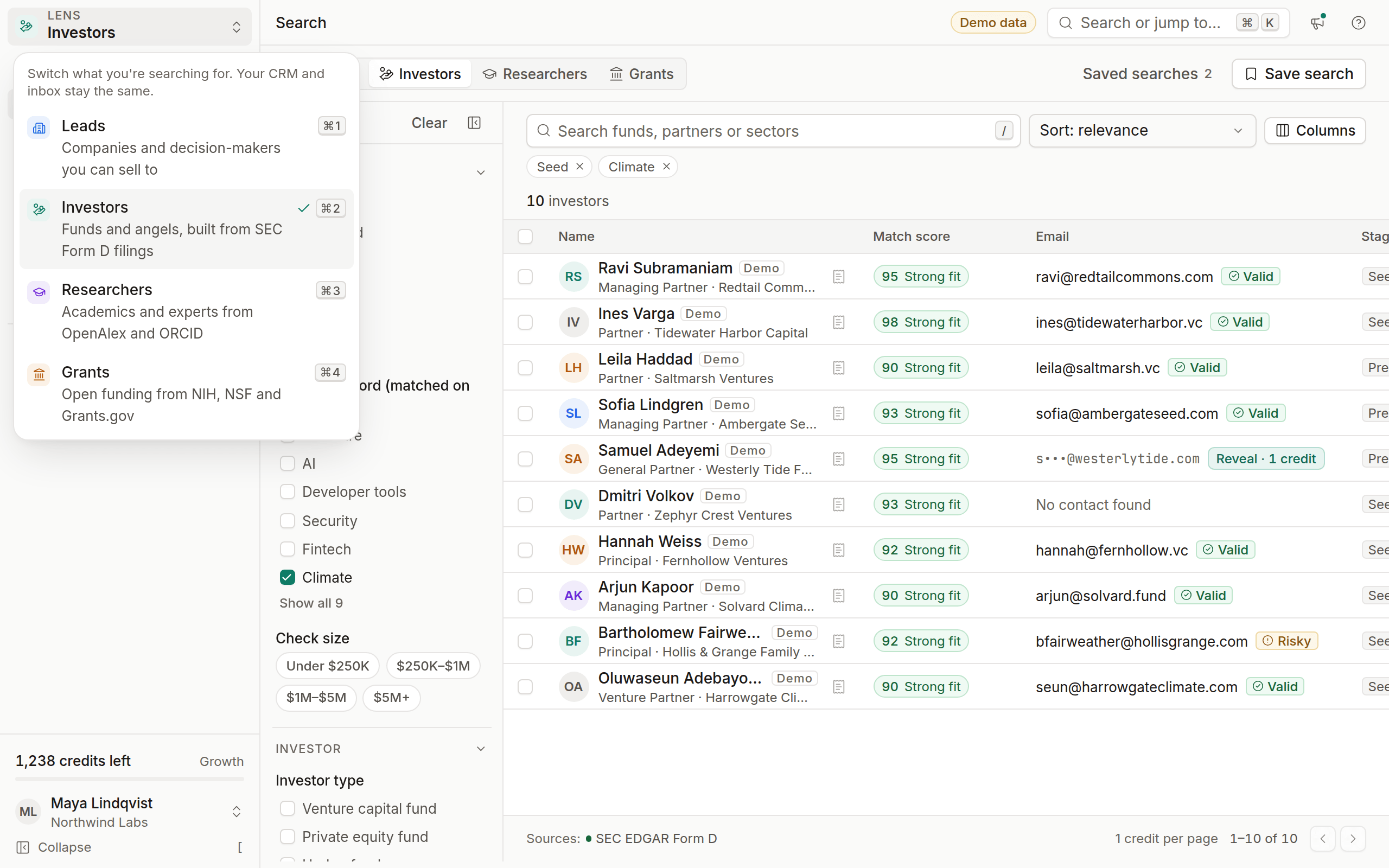
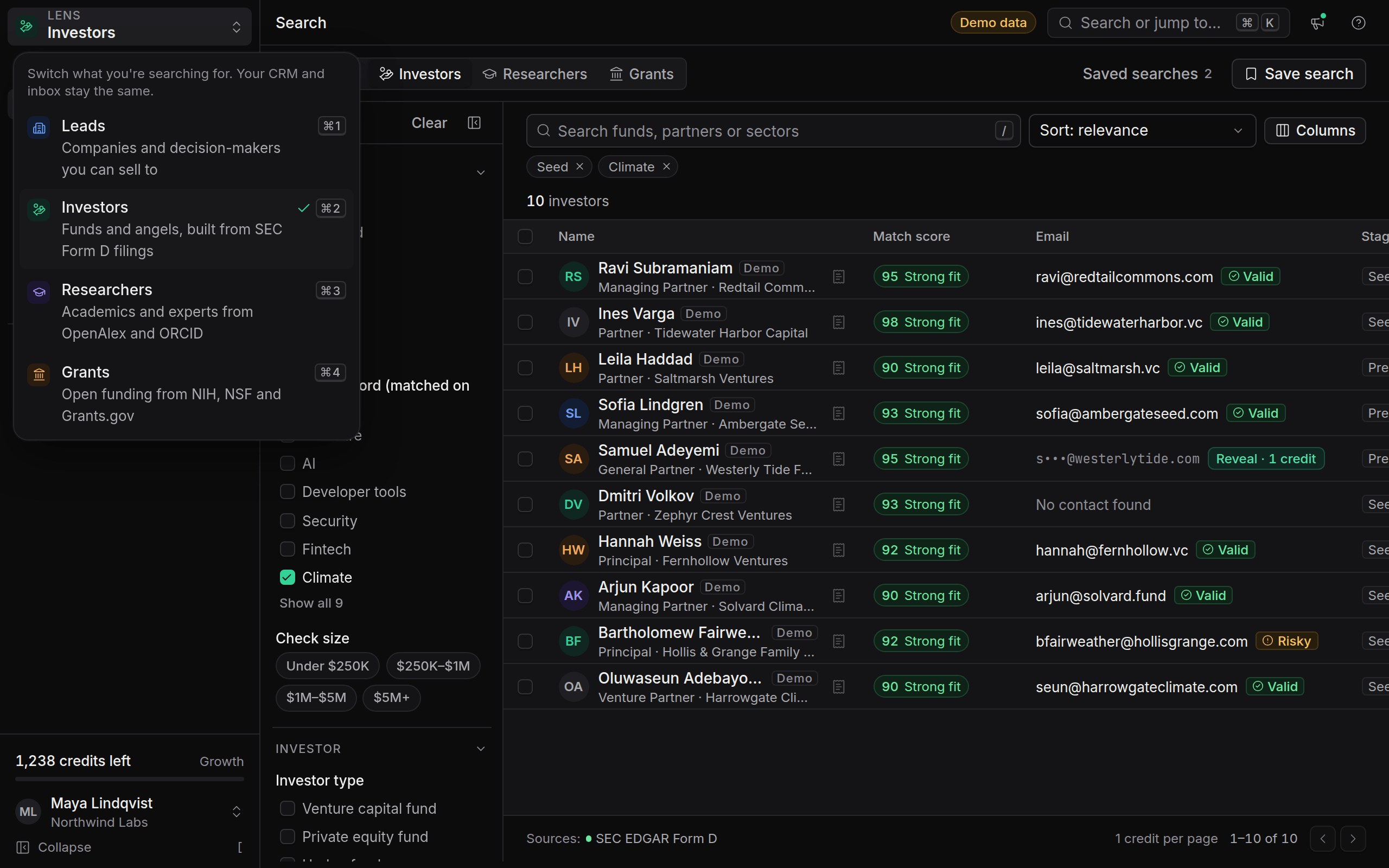
OmniLead now searches four kinds of targets from the same search page. Pick a lens from the switcher at the top of the sidebar, or press Cmd+1 to Cmd+4 (Ctrl on Windows):
- Leads: companies and decision-makers, from company websites, OpenCorporates and Google Places.
- Investors: funds and angels built from SEC Form D filings, with the filing linked.
- Researchers: academics and experts from OpenAlex, ORCID and Crossref.
- Grants: open funding from Grants.gov, NIH RePORTER and NSF Awards.
Filters, templates and empty states change with the lens, and each lens remembers its own filters, sort and saved searches. Your CRM, inbox and contacts stay shared across all four, and every saved lead is tagged with the lens it came from.
Free workspaces choose one lens during onboarding. Other lenses stay visible with a lock and a preview of what they include. See Compare plans.